7
- Do not expose the battery to direct sunlight or candle light.
- Keep air vents on both sides clear from any objects to prevent the device
from overheating inside.
- To avoid a short circuit, product damage, do not use any sharp object or
metal to touch the ports or other openings on the Smart Mini Projector.
- If this device has been in a warm environment, allow any built-up
condensation to evaporate rst BEFORE you switch the device on.
- Do not allow a child to stand on or climb up this device.
- Do not place any object above or in front of the lens because the laser light
could cause the object to become ammable.
- Clean the lens periodically with a clean cloth and make sure the Smart Mini
Projector is turned off before you start.
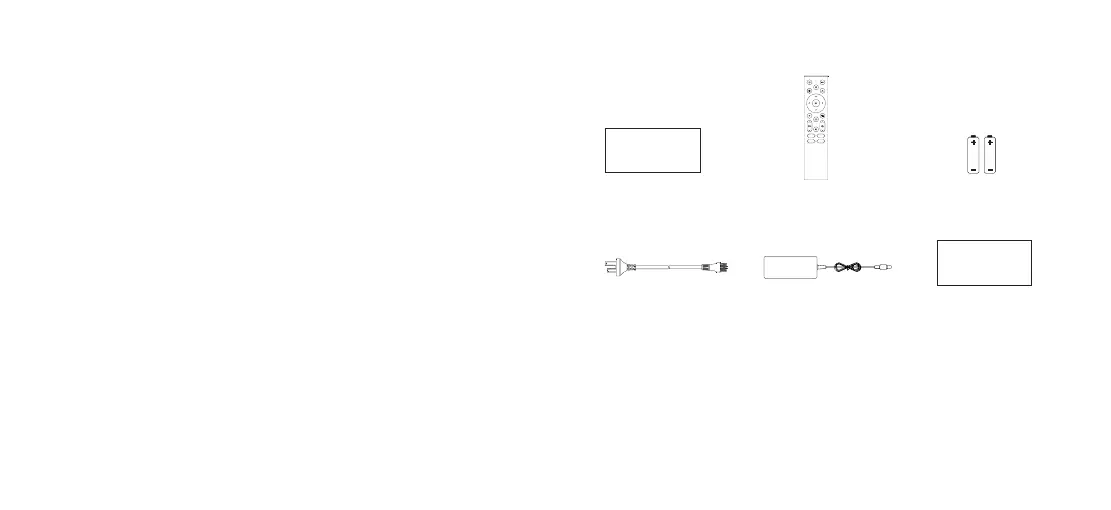
Accessories List
1 Remote Control
2 AAA Batteries
1 Power Cord 1 Power Adapter
Quick Setup Guide
Warranty Card
NOTE:
• The accessories list above may vary depending on specic model, country
or region. Please refer to the actual accessory bag.
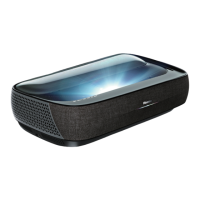
• Figures and illustrations are provided for reference only and may differ from
actual product appearance.
• Screen is not included.



 To Next Page