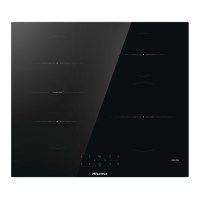
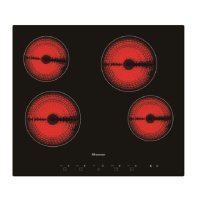
Switching on the hob
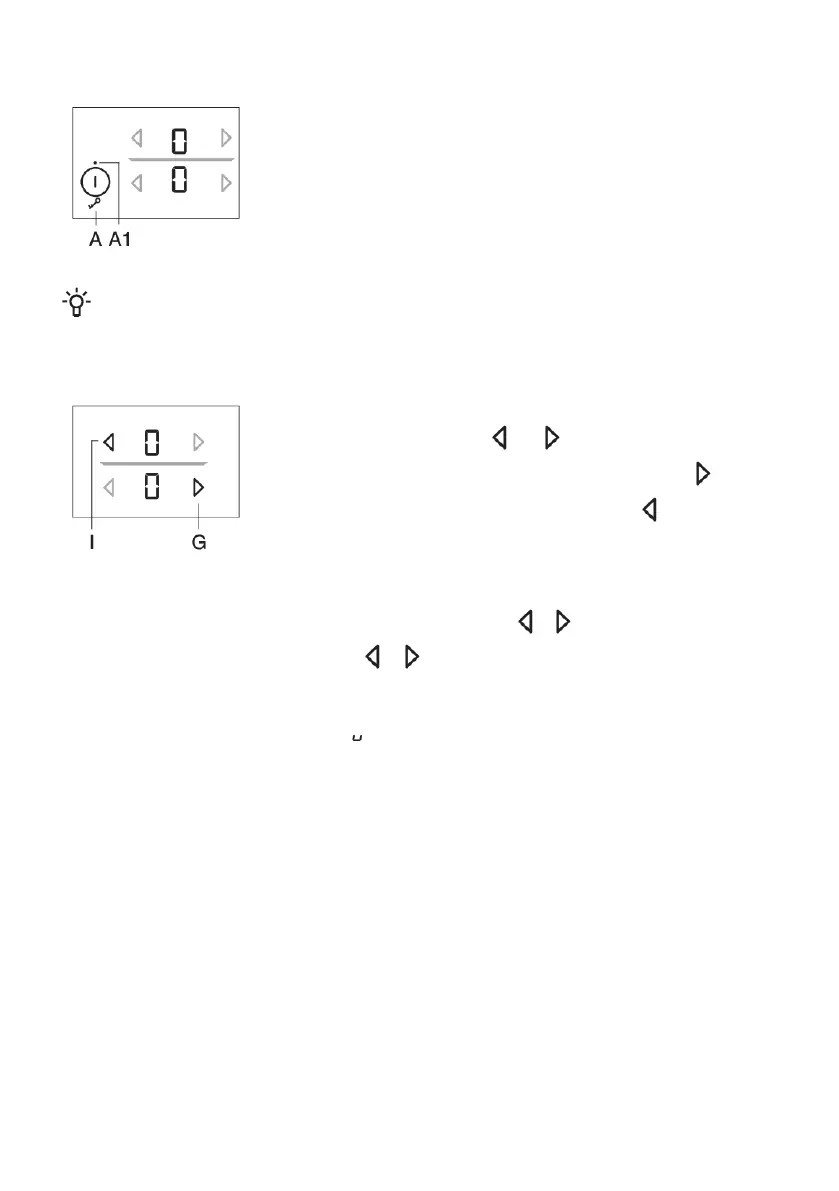
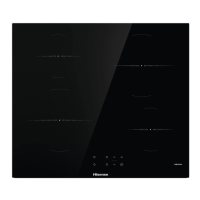
Touch the on/off key (A) and hold it for 1 second to switch on the hob.
"0" will appear on all power level indicators. A brief acoustic signal will
be emitted and an indicator light will light up above the "on" key.
INFORMATION!
If no cooking zone is switched on in 10 seconds, the cooking hob will power off.
Switching on the cooking zones
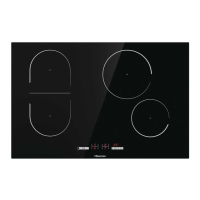
After the hob is switched on (in the next 10 seconds), switch on the
desired cooking zone. Use the and keys to select the desired
setting for the activated cooking zone. If you first touch the key, the
power level will be set to "9" . If you first touch the key, the power
level will be set to "4"
Change of cooking zone settings
Power level can be changed at any time by touching the relevant or key. To increase or decrease
the power level faster, touch and hold the or key.
Stay-warm/reheating function
The stay-warm/reheating zone is intended for keeping warm the food that is already cooked. To
activate the function, select the setting , between 0 and 1.
10


 To Next Page