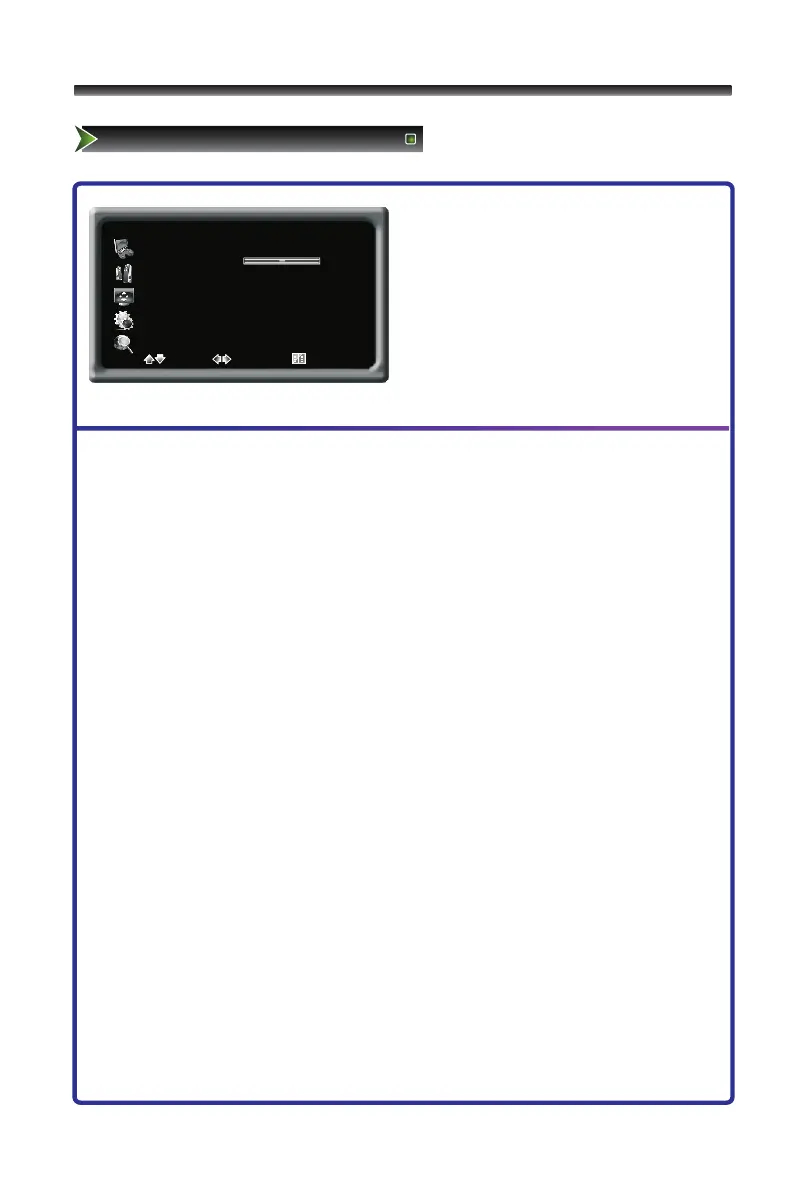
1 Press [Menu] button to display the main
menu.
2 Press [∧/∨] button to select Channel item.
3 Press [>/OK] button to enter Channel
menu.
4 Press [∧/∨] button to select the option,
press [>/OK] button to enter or press
[</>] button to adjust the option.
5 Press the [Menu] button to close the menu.
The options are:
■ Channel: Adjusts the current channel number.
■ Fine Tune: Fine adjusts frequency to achieve a perfect effect.
■ Skip: Press Right/Left button to set skip function On or Off.
■ Tuner Mode: Select the source: Air, Cable.
■ Colour System: Adjusts the colour system, including Auto, NTSC.
■ MTS: Adjusts the sound system, including Mono,Stereo,Sap.
Irrelevancy colour or MTS may cause the picture and sound to be abnormal.
■ Auto Install: Searches the channels automatically.



 To Next Page