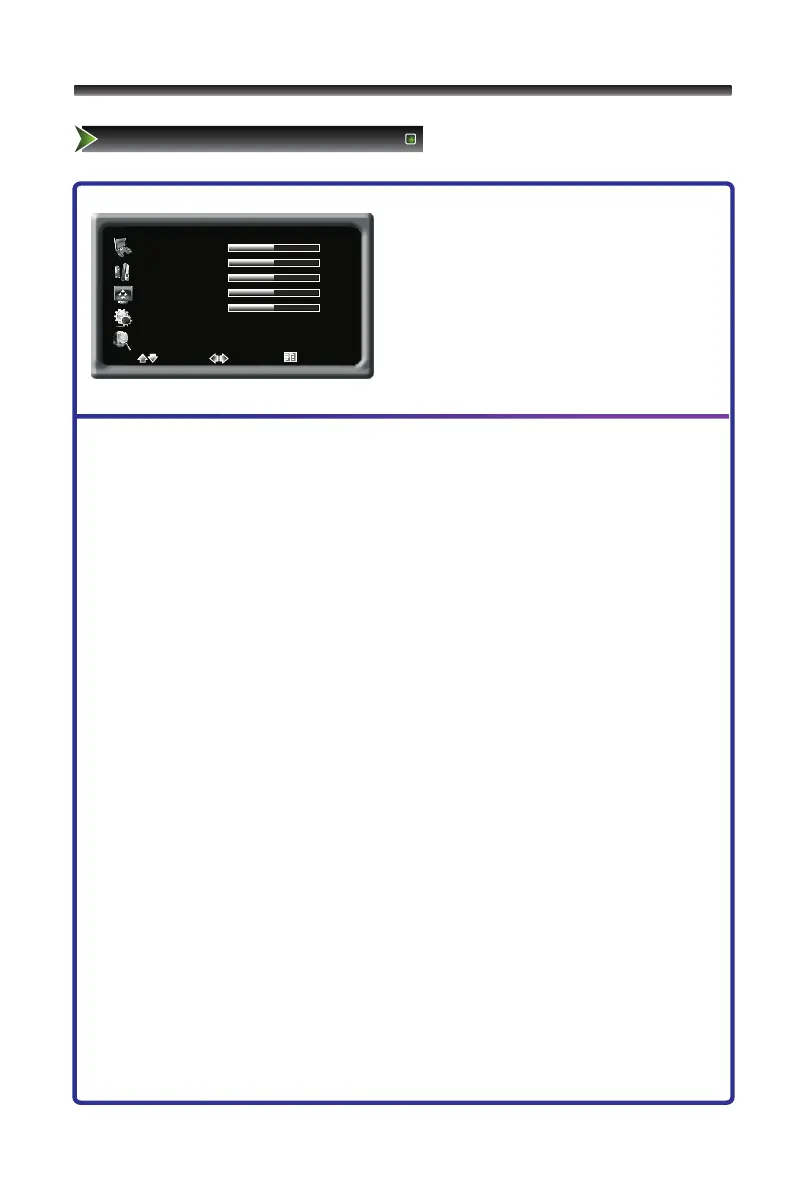
1 Press [Menu] button to display the main
menu.
2 Press [∧/∨] button to select Picture item.
3 Press [>/OK] button to enter Picture
menu.
4 Press [∧/∨] button to select the option,
press [>/OK] button to enter or press
[</>] button to adjust the option.
5 Press the [Menu] button to close the menu.
The options are:
■ Brightness: Increases the brightness to add more light to dark areas of the picture.
Decreases the brightness to add more dark to light areas of picture.
■ Contrast: Increases the picture level to adjust the white areas of the picture.
Decreases the picture level to adjust the black areas of the picture.
■ Colour: Adjusts the intensity of the colour.
■ Sharpness: Increases the sharpness level to show cleaner and cleaner image.
Decreases the level to show a smoother picture.
■ Hue: The option is only available under N system. It adjusts the overall colour of the
picture.
■ Colour Temp.: Selects the colour temperature. You can select Standard, Warm,
Warmer, Cooler or Cool.
■ Enhanced Settings: Accesses advanced video settings, Including:
◇ DNR(Digital Noise Reduce) - it can optimize the picture signal from time and space;
reduce the outside noise interference and return the pure initial signal. It has four
ratings: Minimum, Medium, Maximum and off.



 To Next Page