Manual Book ................................1
Remote........................................1
Batteries......................................2
Power cord..................................1
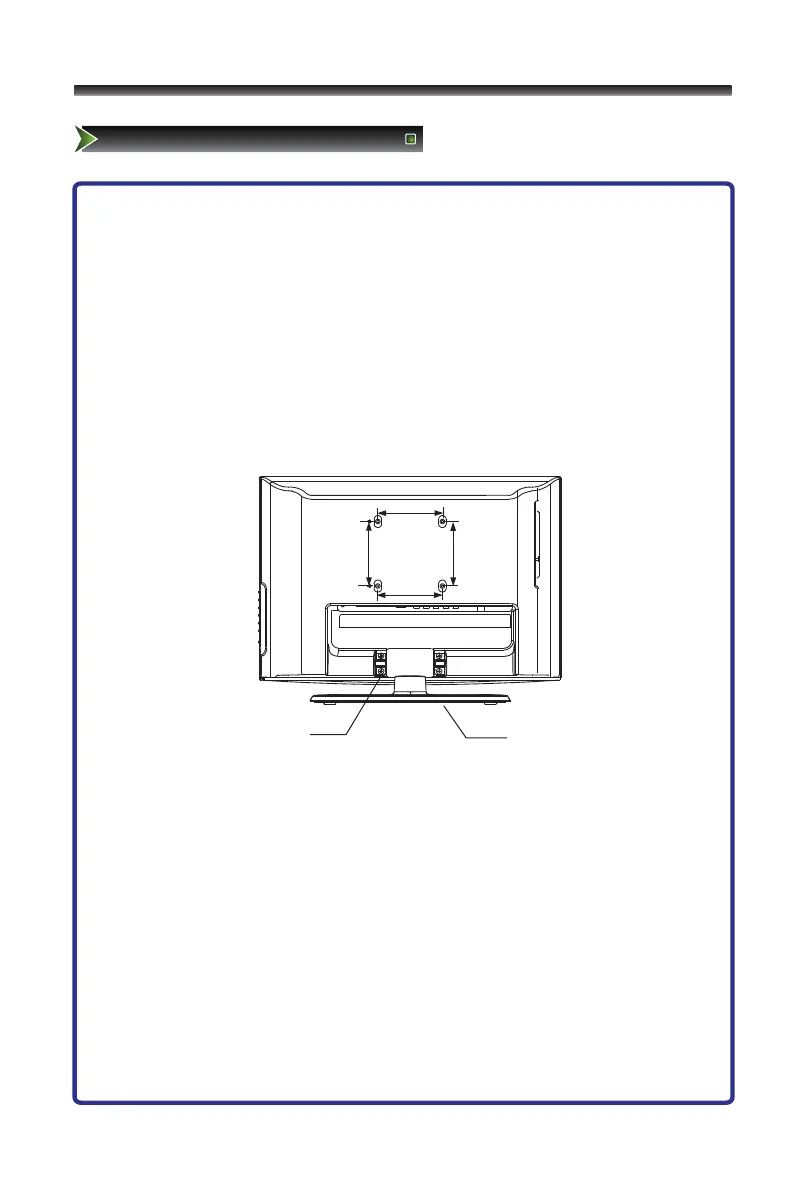
1. Lay the soft froth on the table which can hold enough weight of the whole
TV in case of causing damage to TV or person.
2. Put the TV on the froth ,with its back upwards and the LCD downwards.
3. Take out the pedestal, and insert the pedestal into the TV suitably, then put
the pedestal to relevant position of the TV set until all the holes match each
other completely.
4. Erect the TV set, and put it on the proper position for watching.
Note:
The above figures are for reference only, please refer to the actual units to
determine the appearances.
Every hole of the pedestal must be fastened with screws!



 To Next Page