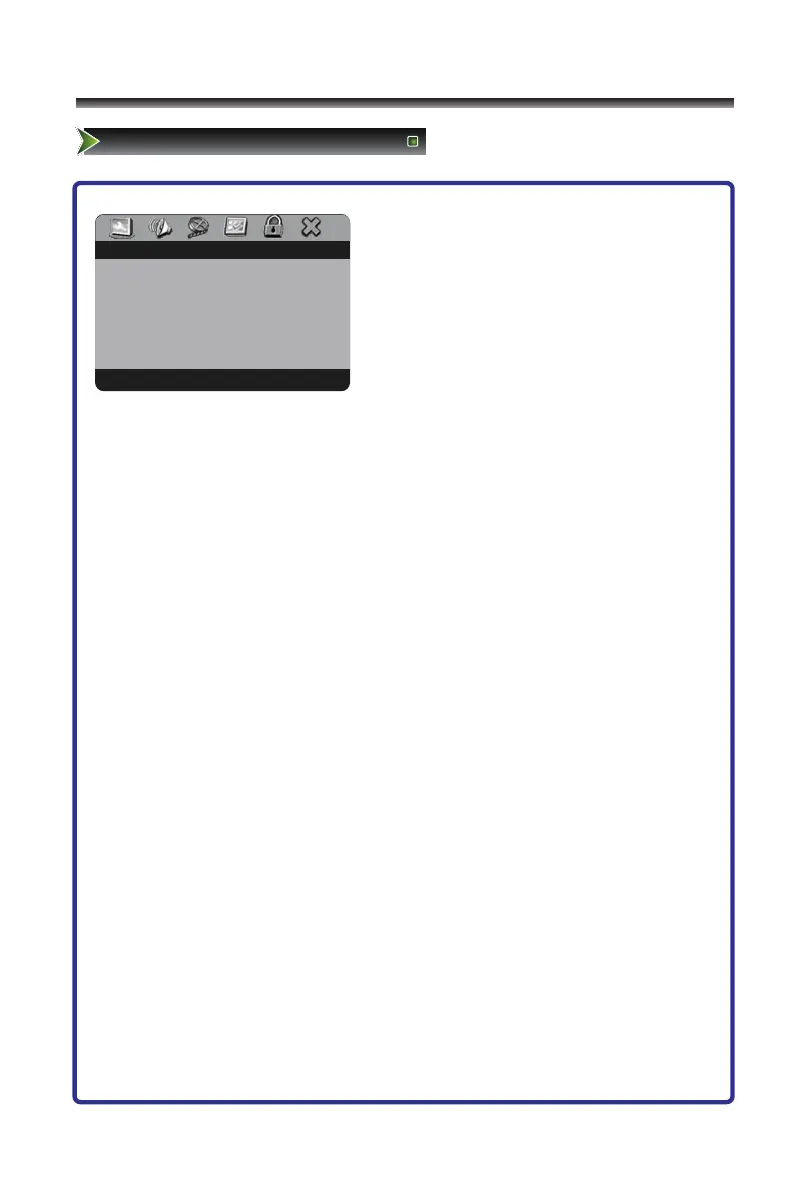
1 Press [DVD Setup] button to enter DVD main
interface.
2 Press [</>]button to select item.
3 Press [∨/OK ] button to enter.
4 Press [∧/∨] button to select the option,
press [>/OK] button to enter, then press
[∧/∨] button to adjust the option.
5 Press the [OK] button to confirm.
6 Press the [DVD Setup] button to close the menu.
The options are:
● BRIGHTNESS: Increases the brightness to add more light to dark areas of the picture.
Decreases the brightness to add more dark to light areas of picture.
● CONTRAST: Increases the picture level to adjust the white areas of the picture.
Decreases the picture level to adjust the black areas of the picture.
● HUE: It adjusts the overall color of the picture.
● SATURATION: Adjusts the intensity of the color.



 To Next Page