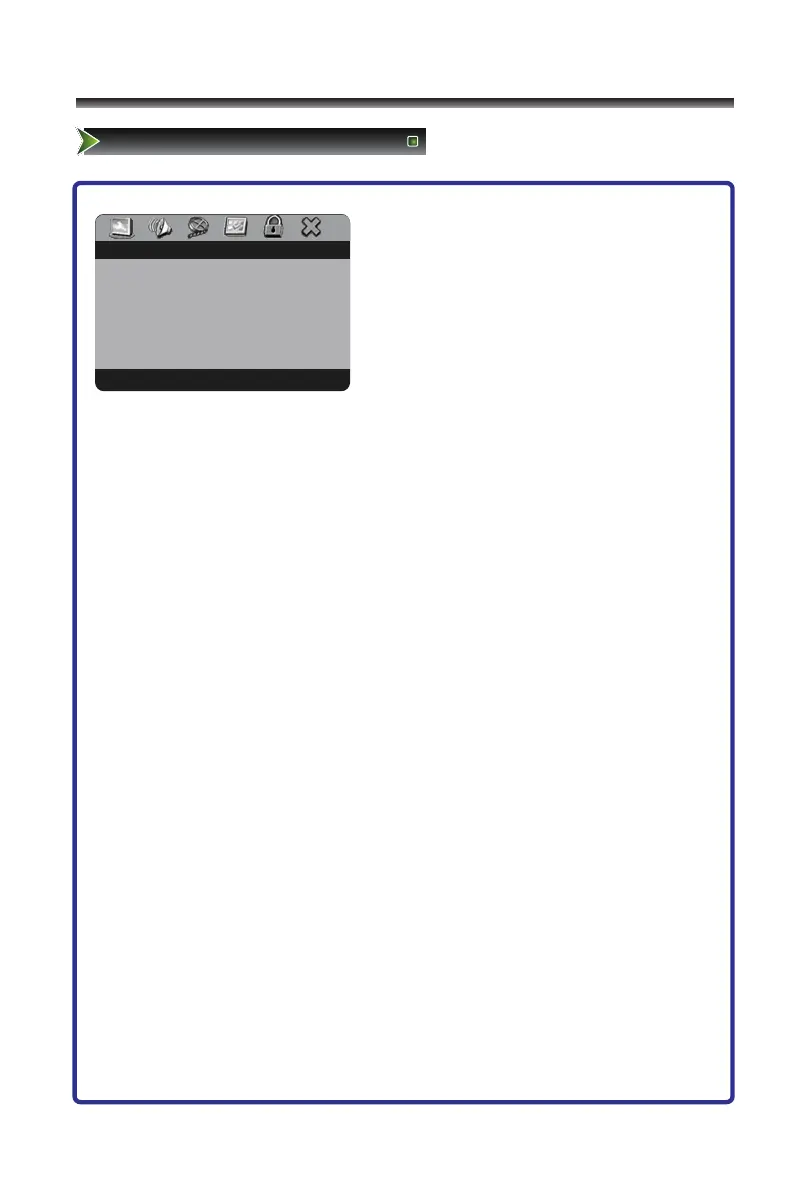
-- GENERAL SETUP PAGE --
TV DISPLAY PS
ANALOG AUDIO SETUP
DOLBY DIGITAL SETUP
1 Press [DVD Setup] button to enter DVD main
interface.
2 Press [</>]button to select item.
3 Press [∨/OK ] button to enter.
4 Press [∧/∨] button to select the option,
press [>/OK] button to enter, then press
[∧/∨] button to adjust the option.
5 Press the [OK] button to confirm.
6 Press the [DVD Setup] button to close the menu.
DOWNMIX allows you to DOWNMIX audio to a receiver and generate a multi-channel or
stereo sound.
● LT/RT: Select this option when connecting the TV/DVD to an audio system with Dolby
Pro-Logic.
● STEREO: Select this option when connecting the TV/DVD to an audio system that
does not have Dolby Pro-Logic.
Dual Mono give you a fuller, better balance of audio based on the disc that you are
playing.
● STEREO: Select this option to output audio from the left and right channels to the left
and right speakers.
● L-MONO: Select this option to output audio from the left channel to the two front
speakers.
● R-MONO: Select this option to output audio on the right channel to the two front
speakers.



 To Next Page