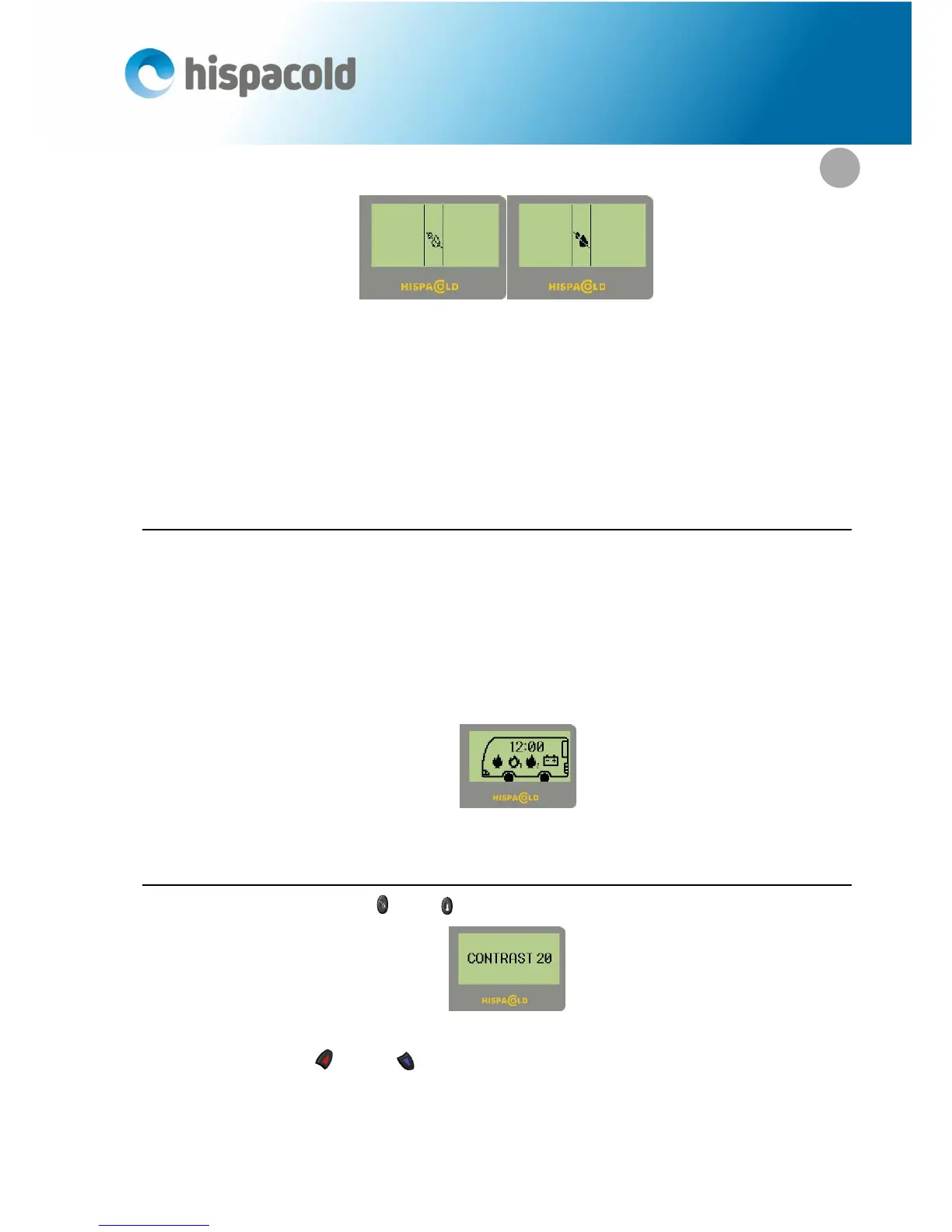
Screen Soft Demist. Screen Hard Demist.
If before activating any of the Demist functions we were in manual mode, the display will show Auto mode
and the Auto leds will be ON. Demist functions are considered as automatic modes of working.
If Demist is chosen but driver is OFF, Demist will work and will activate the driver area.
If, while Demist is ON, driver área is switched OFF by the driver, the system will leave the Demist mode. If,
on the contrary, passanger area is swiched OFF by the driver, Demist mode will remain active.
1.17. Operating in Sleeping mode
If the panel is in sleeping mode (with the vehicle’s battery main switched off) a screen will display the fol-
lowing elements:
The time of the system.
If the pre-heater is on, the pre-heater connected flame.
If there is a pre-heater program selected, the flame of the pre-heater with the program number (1
or 2).
The battery symbol if the battery level is low.
Sleeping screen
1.18. Adjusting screen contrast.
By simultaneously pressing keys (9) and (10) for 2 seconds, you enter the contrast adjustment screen:
Contrast adjustment indicator screen.
With passengers’ keys (16) and (17) you can increase of decrease the contrast setting between 15
and 62.


 To Next Page