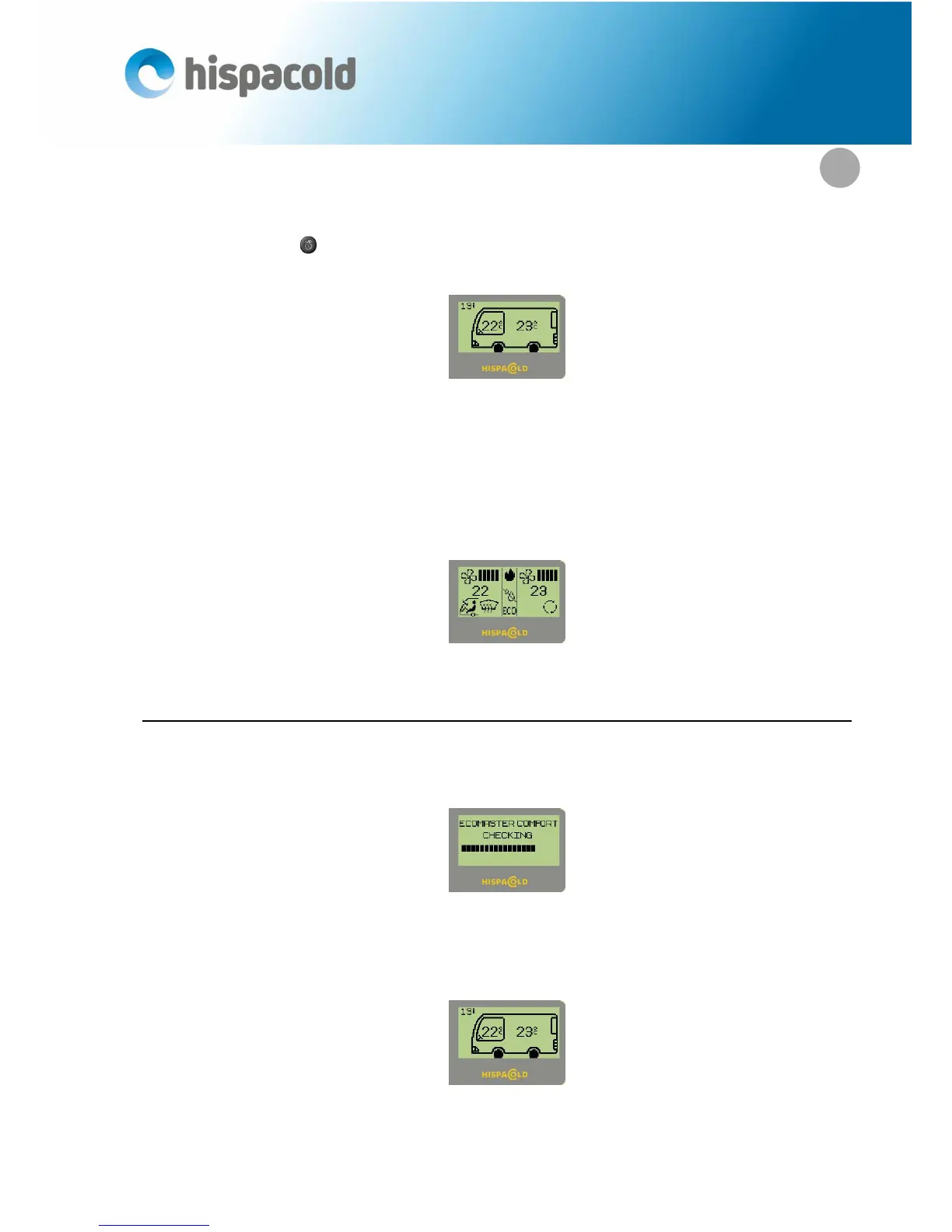
In these operating conditions, the automatic screen will be displayed indicating the outside temperature and
the image of a bus with the selected temperatures for driver and passenger systems. In addition, the two LEDs
located next to the keys (3),(15) will light up indicating automatic operation.
Automatic screen
Nevertheless, the driver can decide to change the operation of any of the system’s components at any
time.
Each time the speed of the fans or the driver or passenger unit flaps are changed manually or the ECO, re-
heat or pre-heater functions are pressed, the manual screen will appear showing the symbols of the compo-
nents which are functioning in manual mode.
Manual screen.
1.1. Switching the driver climatization unit on and off.
The controls come on automatically as soon as the vehicle is started up. At this point a check is made of all
the systems and the following message is displayed on the screen:
Initial check screen.
Immediately after making this check, the automatic operation screen will be displayed, with the tempera-
tures saved the last time the climate unit was switched off.
Automatic screen.


 To Next Page