4-3 Control Functions
1 Toggle Clock button to clock settings
2 hold button in for 3~5 seconds
3 Press “KM/MILE” button to set the hour
4 Press “TRIP/000” button to set the minute
5 Press time button for 3~5 seconds then
release to finish setting
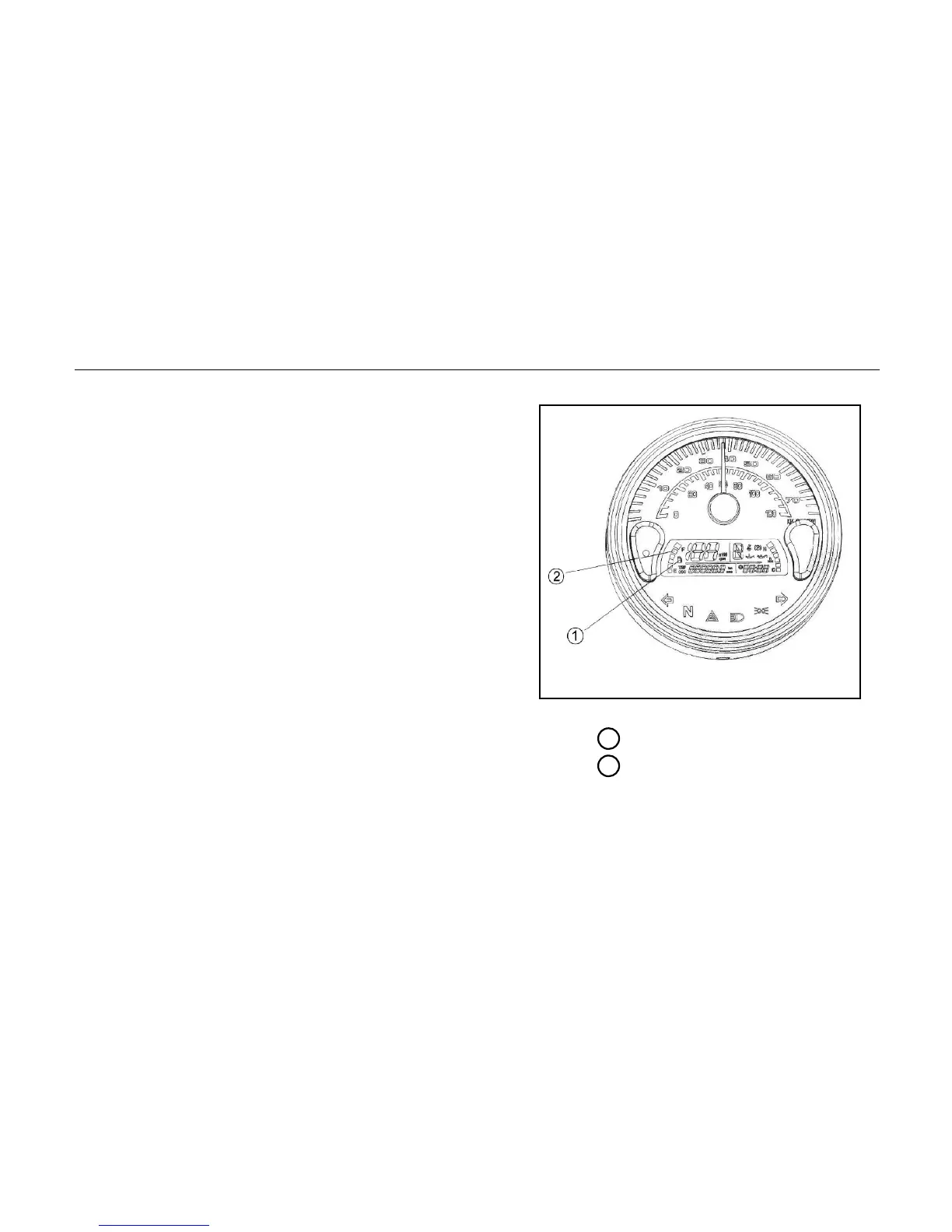
Fuel level gauge
Fuel meter reflects the remaining volume of
gasoline. It will change from Green to Red
while running and from RED to GREEN when
filling.
1 Fuel
2 Fuel gauge



 To Next Page