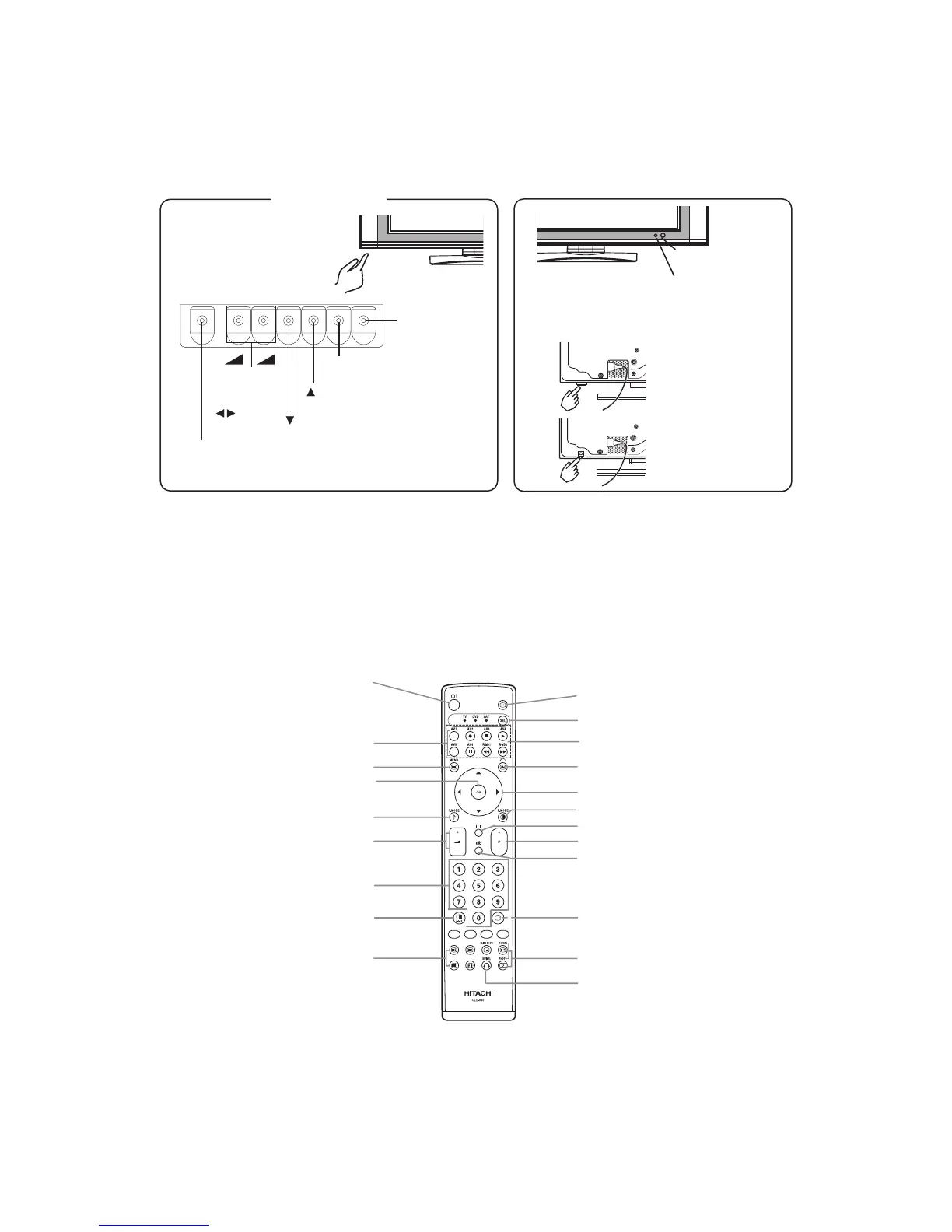
Control panel
• Adjustment buttons are located
on the bottom.
• The back cover is provided
with indications to distinguish
the adjustment buttons.
MENU button
SUB-POWER button
VOLUME
UP/DOWN
buttons
( ADJUST
buttons)
INPUT SELECT button
(OK button)
SELECT button
SELECT button
• ( ) indicates the function while the MENU is displayed on the screen.
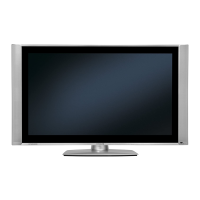
(32")
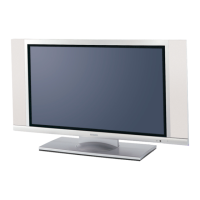
(42")
Remote-control
re
ceiver
Indicating lamp
• The main power switch is located at the back, on the
lower surface.
Main power switch
+
-
POWER button
INPUT SELECT buttons
MENU
button
OK button
SOUND MODE button
VOLUME UP/DOWN button
PROGRAM SELECT buttons
(TV)
MULTI MODE button
RECALL button
FUNCTION
SELECT button
DVD CONTROL buttons
FREEZE/RETURN button
SELECT/ADJUST button
PICTURE MODE button
CH I/CH II button (TV)
CHANNEL UP/DOWN button (TV)
MUTE button
MULTI PICTURE button
PHOTO INPUT button
s
SWIVEL button
T/TEXT button
(TV)







 To Next Page