2.12.1 MAGIC FOCUS Character Set-Up
This instruction should be applied when a new DCU
is being replaced.
Adjustment Preparation
(1) Receive NTSC RF or video signal.
(2) With Power off, PRESS and HOLD the SERVICE
ONLY button on CONVER/FOCUS PWB, then press
the Power On/Off, when picture appeares release
SERVICE ONLY switch. (Internal crosshatch is
displayed without conv. correction data.)
Adjustment Procedure
(1) Press FREEZE key on R/C. (One additional line
appears near the top and near the bottom.)
(2) Press PIPCH key, then ADJ. PARAMETER mode is
displayed as following.
(3) Press or key to change the ADJ. DISP. data.
(4) Press CURSOR to access DCU parameter.
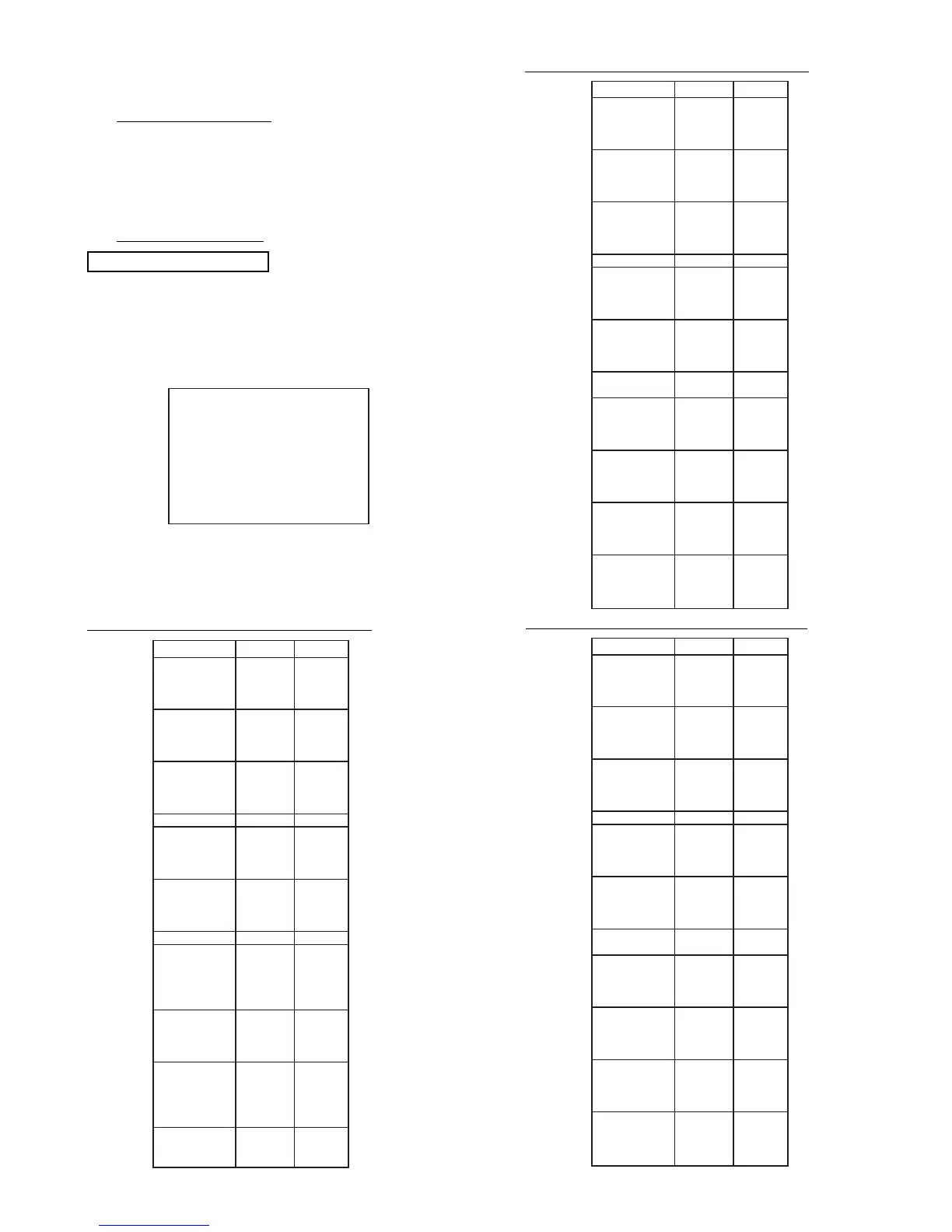
Change the data as shown on Table 1,2 OR 3, DCU
Parameter.
ADJ. PARAMETER
SEL. STAT. : 00


 To Next Page
 Loading...