50
STEP INSTRUCTIONS IMAGE
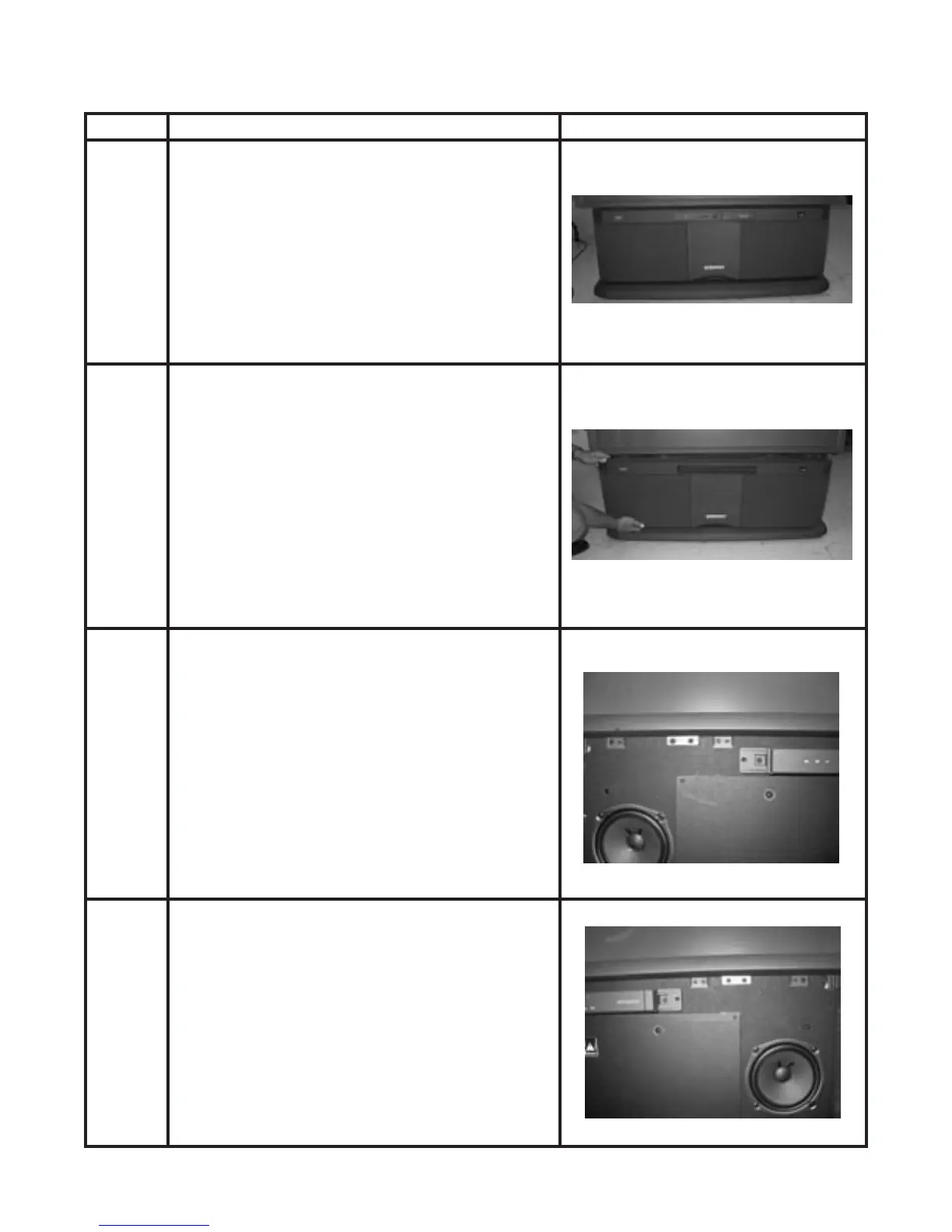
Remove the Front Speaker Grille.1
Pull the Speaker Grille off by placing your hand behind
the outside corners and pulling straight out.
The Speaker Grille is held in place by Velcro.
2
With the Front Speaker Grille removed, the screws
necessary to remove the light box are visible.
Look underneath the Front Screen Frame.
The image shows the screws on the left side.
3
This image shows the screws on the right side.
4
Disassembly Instructions for Light Box
Model: 53FDX20B and 53SDX20B Only



 To Next Page