2
3
9
10
11
13
4
6
24
7
8
5
1
DVD
12
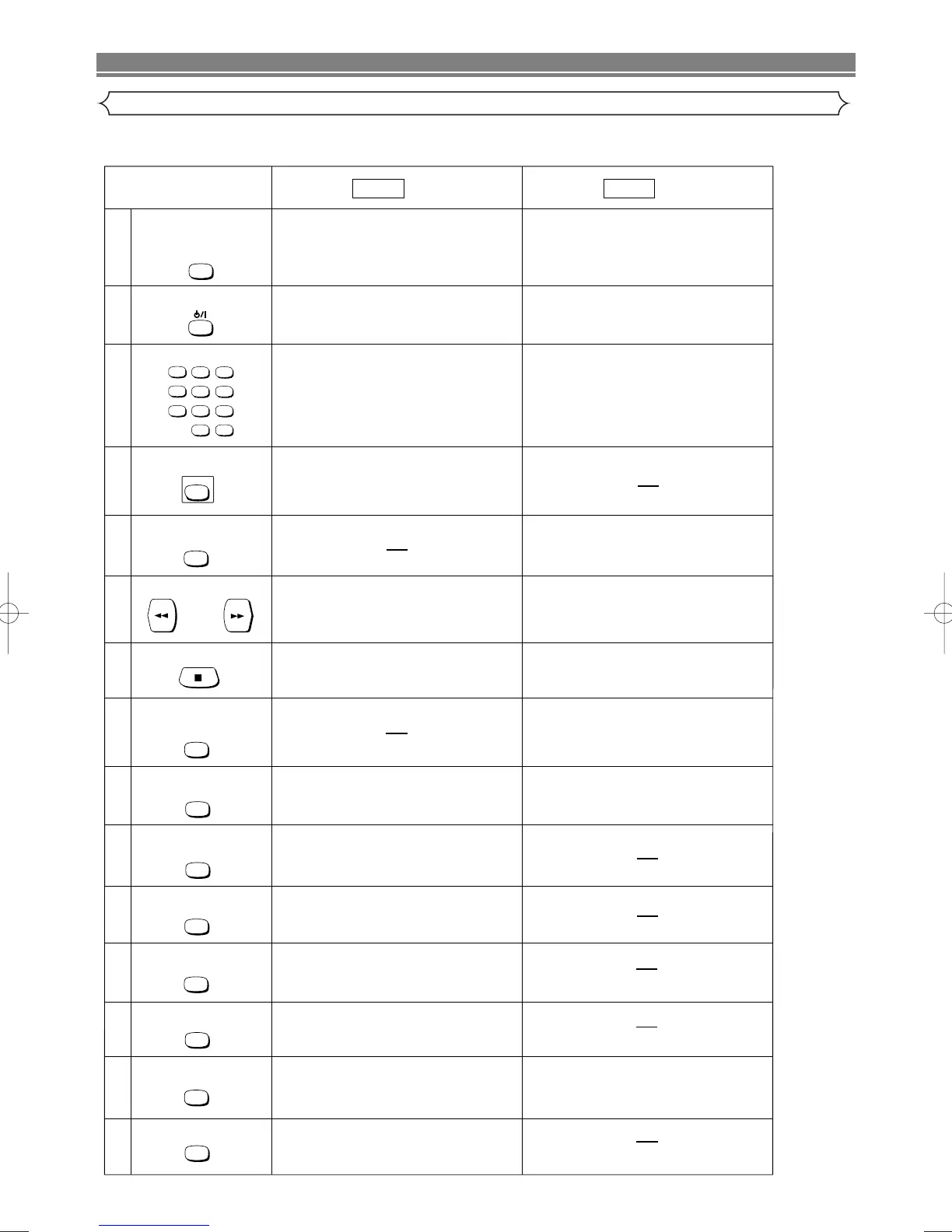
POWER/STANDBY Button
SUBTITLE/TIMER Button
SURROUND/
SPEED Button
MENU Button
VCR
14
15
• To select the VCR output mode.
• To use the remote control in VCR mode.
VCR Button
+
123
56
789
010
4
VCR
MENU
TOP MENU
TOP MENUButton
• Brings up the Top Menu on a disc. (DVD).
• To activate virtual surround.
• To select the recording speed.
Mode Mode
• Turns the DVD/VCR on and off.
• Accesses various subtitles on a disc. (DVD)
• Brings up the Menu on a disc. (DVD)
• Turns the DVD/VCR on and off.
• Brings up the VCR Menu.
• Press to put the VCR into standby mode
for a timer recording.
SURROUND
SPEED
Number Buttons
• To select chapter or title directly. (DVD)
• To select track directly. (CD)
• To select channel.
DISC NAVIGATION Button
• The first scenes of each chapter of the title being
played will be displayed. (DVD)
DISC NAVIGATION
SEARCH Buttons
• Allows you to search forward/backward through
a disc.
• To begin slow forward/backward through a disc.
(DVD)
• Press to call up the index or time search menu.
STOP Button
• To stop playback. • To stop playback or record.
RECORD/ONE-TOUCH-
RECORDING Button
• To start a recording.
• To start One Touch Recording.
REC/OTR
SETUP Button
• Brings up the DVD player's Setup menu.
SETUP
ZOOM Button
• To magnify part of picture x2/x4. (DVD)
ZOOM
MODE Button
• To set virtual surround on/off.
• To arrange the playing order or play randomly.
(CD)
MODE
SUBTITLE
TIMER
ANGLE Button
• Accesses various camera angles on a disc.
(DVD)
ANGLE



 To Next Page