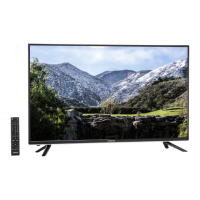
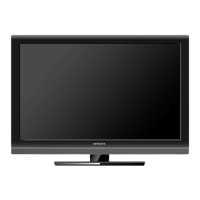
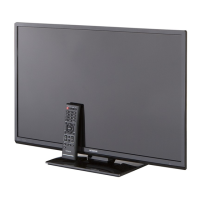
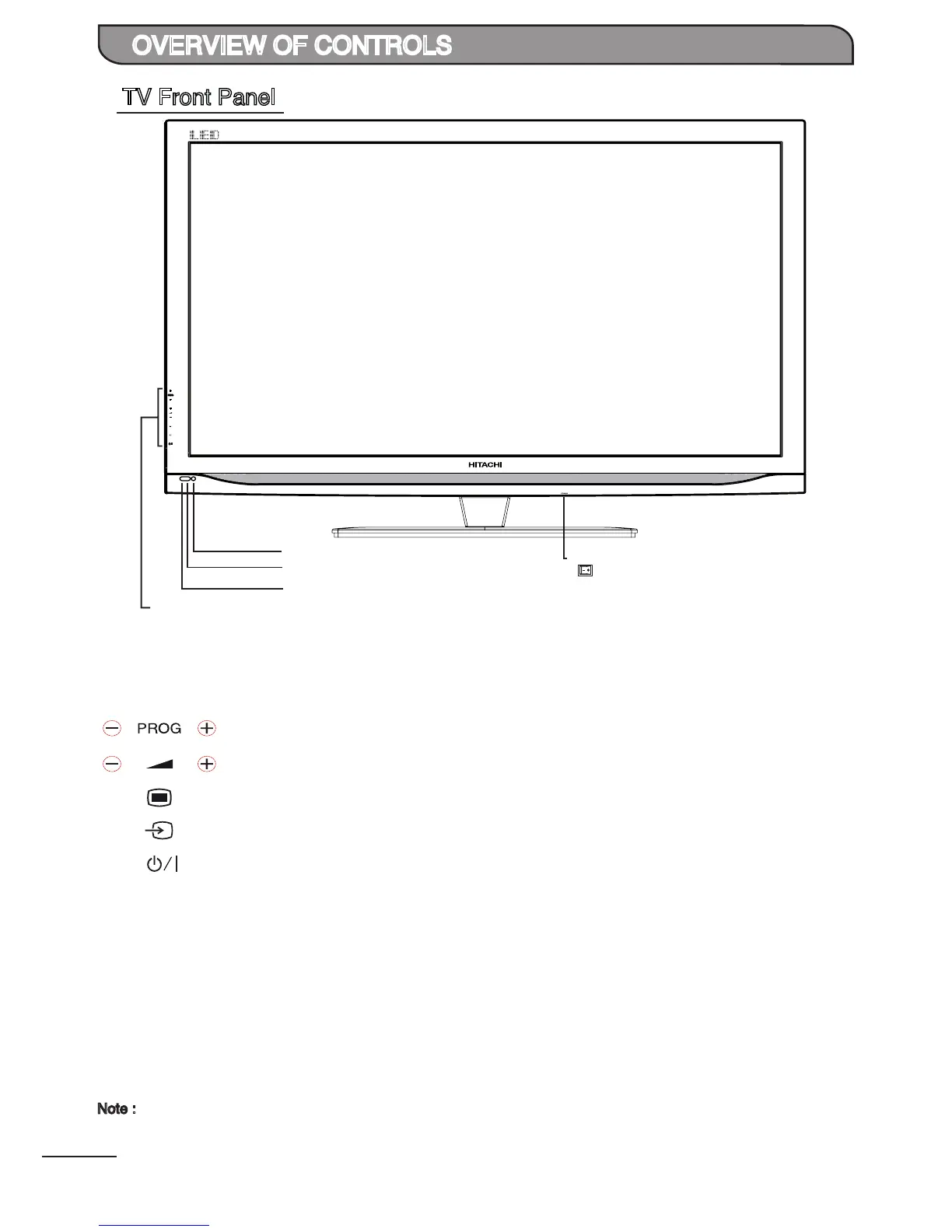
Remote Control Sensor
Power / Standby Indicator
• Lights up in Red at standby mode.
• Lights up in Blue when TV is switched on.
Touch Sensors
Main Power Switch
ON
OFF
Ambient Sensor
The front panel buttons can be activated by touching them with your nger.
: Touch on the area to select previous or next channel channels.
: Touch on the area to adjust the volume.
: Touch on the area to display an on-screen menu of your TV’s features.
: Touch on the area repeatedly to select the available input sources.
: Touch on the area to switch between On and Standby.
: Main power switch to switch the TV On and Off.
Ambient Sensor : Detects the ambient lighting condition and adjusts the backlight accordingly.
Remote Control : Aim the remote control towards this area to operate the TV.
Sensor
POWER
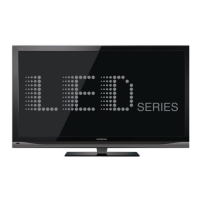
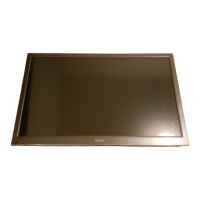
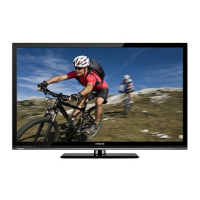
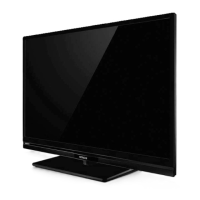
TV Front Panel
Note :
Main Power Switch > Depress to the right side to switch On the TV.


 To Next Page
 Loading...