COMPONENT NAMES
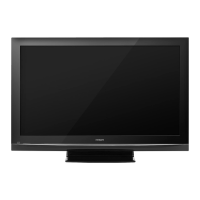
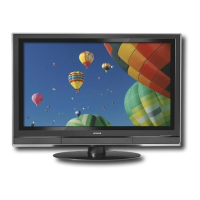
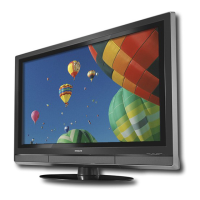
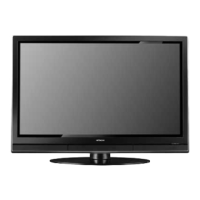
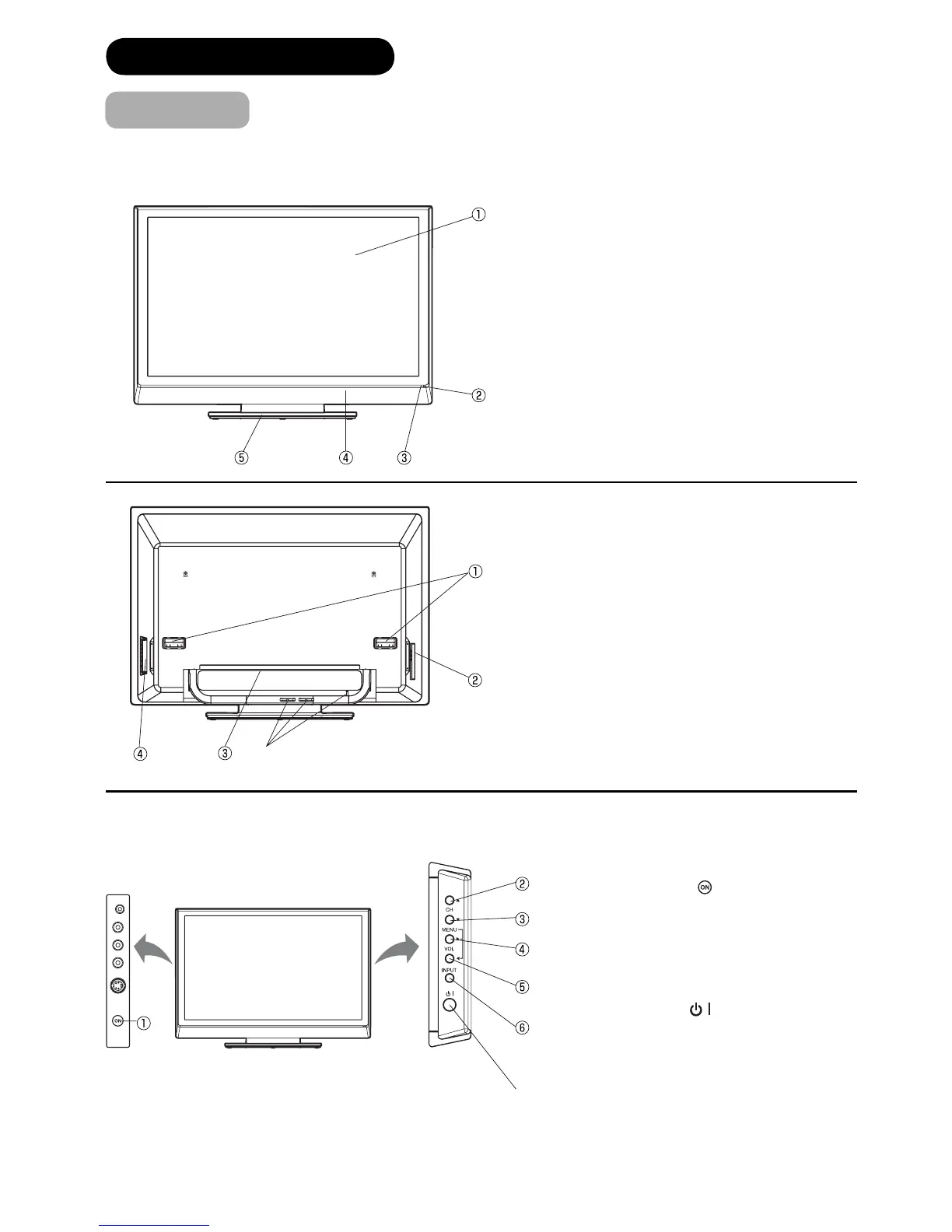
Main Unit
① Panel
② Remote Control Receiver
③ Indicating Lamp
④ Speaker
⑤ Desktop Stand
①
Handgrips
②
Side Input
③ Rear
Input
④
Control Panel (see below for details)
⑤ Cable Clampers
① Main Power Switch (
)
②
Channel UP
③
Channel DOWN
④
Volume UP
⑤
Volume DOWN
⑥
INPUT button
⑦ Sub Power button ( )
To display the menu screen.
Press both VOL
ϵ/϶ buttons at the same time for
more than 1 seconds to display the menu screen.
CH ϳ/ϴ buttons, VOL ϵ/϶ buttons and INPUT (as
ENTER) button can be used to select or enter the
desired setting during the menu screen operations.
Front Panel
⑦
⑤



 To Next Page
 Loading...