Before inserting or removing a cassette, be sure to connect the power source. When a
power source is connected, the cassette can be ejected and removed whether the
power is on or off.
Insertion
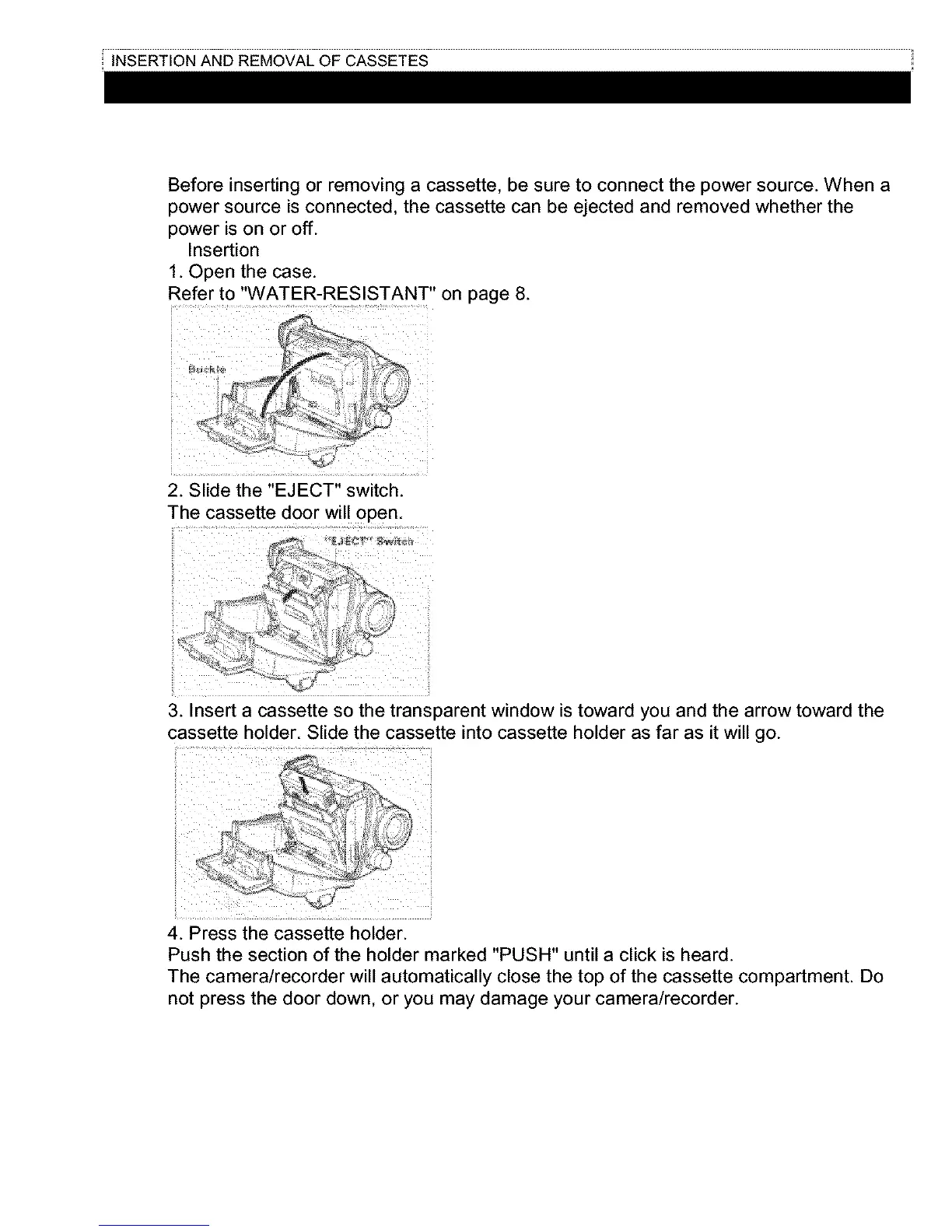
1. Open the case.
Refer to "WATER-RESISTANT" on page 8.
2. Slide the "EJECT" switch.
The cassette door will open,
......... .........:i........!i!
3. Insert a cassette so the transparent window is toward you and the arrow toward the
cassette holder. Slide the cassette into cassette holder as far as it will go.
4. Press the cassette holder.
Push the section of the holder marked "PUSH" until a click is heard.
The camera/recorder will automatically close the top of the cassette compartment. Do
not press the door down, or you may damage your camera/recorder.



 To Next Page