If your TV or VCR has video/audio out jacks, you can record the TV program with
camera/recorder.
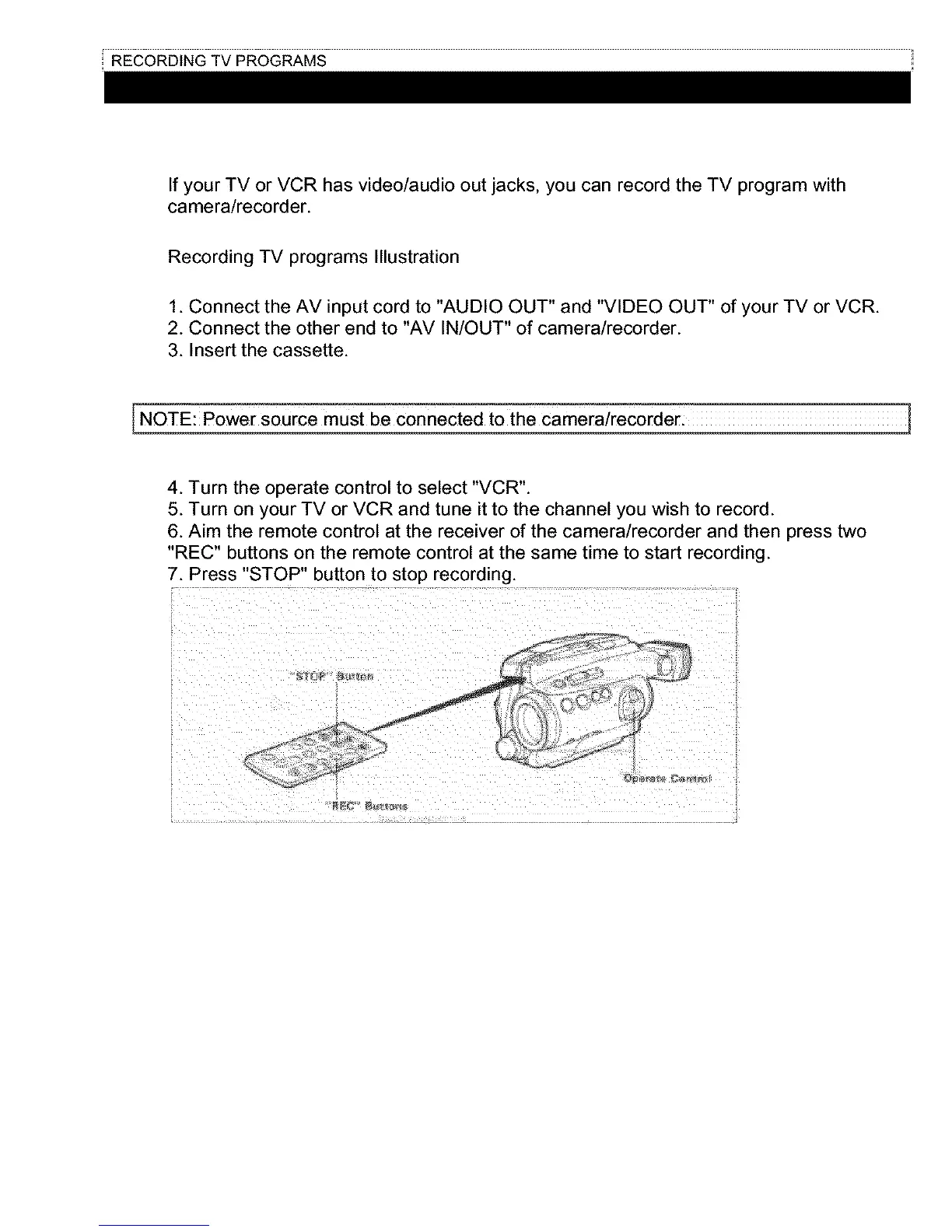
Recording TV programs Illustration
1. Connect the AV input cord to "AUDIO OUT" and "VIDEO OUT" of your TV or VCR.
2. Connect the other end to "AV IN/OUT" of camera/recorder.
3. Insert the cassette.
4. Turn the operate control to select "VCR".
5. Turn on your TV or VCR and tune it to the channel you wish to record.
6. Aim the remote control at the receiver of the camera/recorder and then press two
"REC" buttons on the remote control at the same time to start recording.
7. Press "STOP" button to stop recording.



 To Next Page