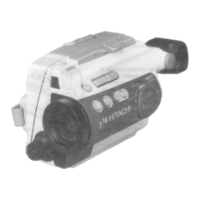
If you wish to exchange or copy some of your friend's favorite home recordings, the
following instructions can be used to connect camera/recorder to VCR for this purpose.
Camera to VCR dubbing hookup Illustration
1. Connect the AV stereo output cord to "AV IN/OUT" of your camera/recorder.
2. Connect the other ends to "AUDIO IN". "VIDEO IN" of your VCR as shown in diagram
above.
3. Play the tape on the camera/recorder and record it on the VCR.
NOTE: If you connect the "VHFOUT TO TV" connector of VCR to the ,,TVANT" connectorl I
as illustratedand set ,VCR/TV'! selectorof the VCR to ,VCR" model the picture being I
dubbed byVCR Can be monitoredl l



 To Next Page