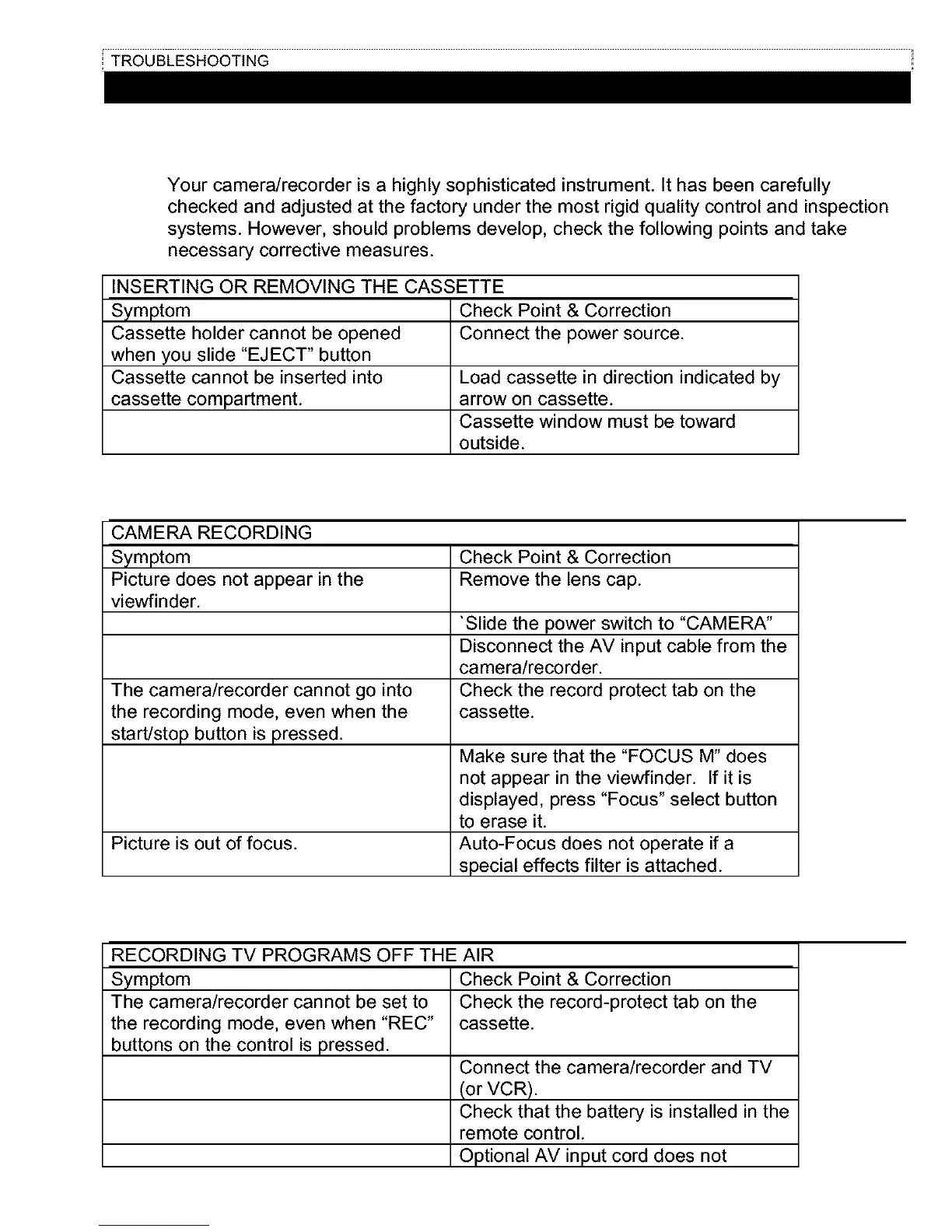
Your camera/recorder is a highly sophisticated instrument. It has been carefully
checked and adjusted at the factory under the most rigid quality control and inspection
systems. However, should problems develop, check the following points and take
necessary corrective measures.
INSERTING OR REMOVING THE CASSETTE
Symptom
Cassette holder cannot be opened
when you slide "EJECT" button
Cassette cannot be inserted into
cassette compartment.
Check Point & Correction
Connect the power source.
Load cassette in direction indicated by
arrow on cassette.
Cassette window must be toward
outside.
CAMERA RECORDING
Symptom Check Point & Correction
Picture does not appear in the Remove the lens cap.
viewfinder.
"Slide the power switch to "CAMERA"
Disconnect the AV input cable from the
camera/recorder.
The camera/recorder cannot go into Check the record protect tab on the
the recording mode, even when the cassette.
start/stop button is pressed.
Picture is out of focus.
Make sure that the "FOCUS M" does
not appear in the viewfinder. If it is
displayed, press "Focus" select button
to erase it.
Auto-Focus does not operate if a
special effects filter is attached.
RECORDING TV PROGRAMS OFF THE AIR
Symptom
The camera/recorder cannot be set to
the recording mode, even when "REC"
buttons on the control is pressed.
Check Point & Correction
Check the record-protect tab on the
cassette.
Connect the camera/recorder and TV
(or VCR).
Check that the battery is installed in the
remote control.
Optional AV input cord does not



 To Next Page