Deutsch / English / Français / Español / Italiano / Nederlands / Polski
-66-
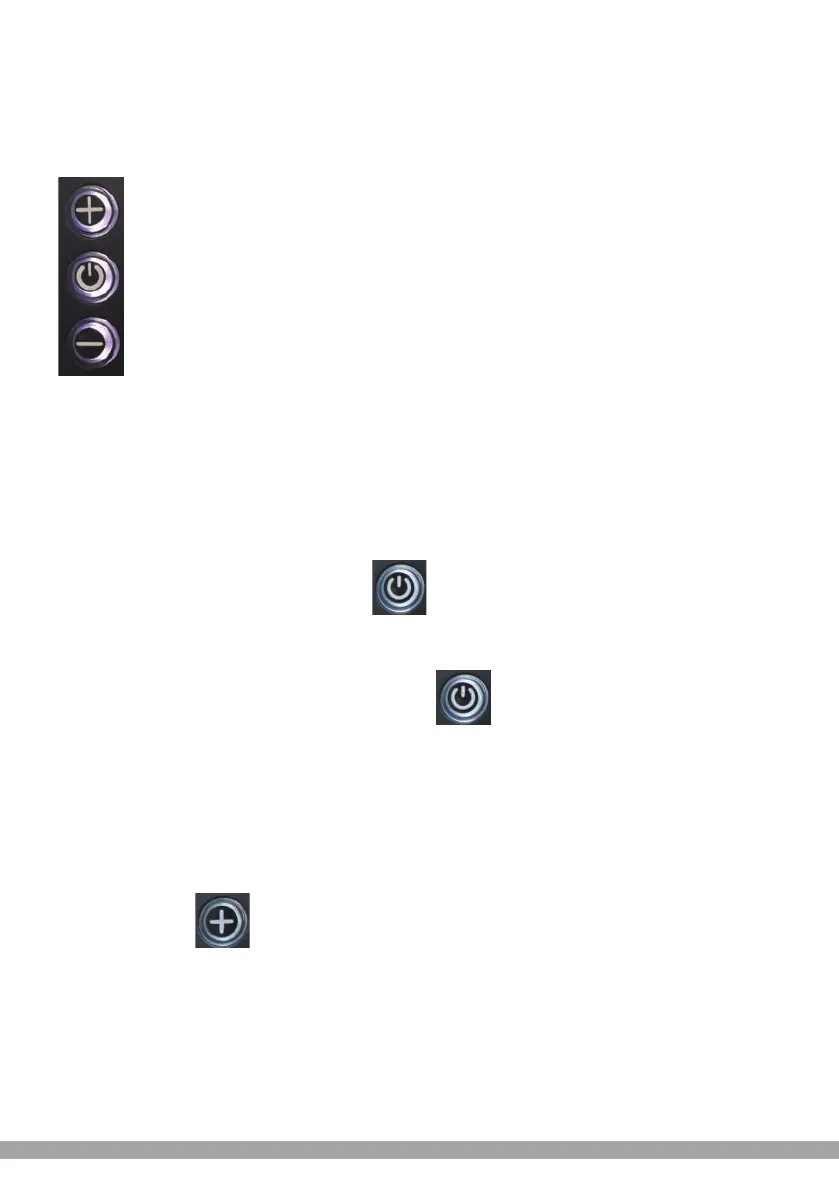
Button Introduction
The specific combination of buttons is as follows
Use Introduction
Button operation is divided into short press and long press.
Specific operation explanation
I.Switch LCD
1.In the off state, press and hold the button to turn it on;
2. In the power-on state, press and hold the button to turn it off.
II. Change the assist gear In power-on state
1. Short press button, assist gear will be + 1.


 To Next Page