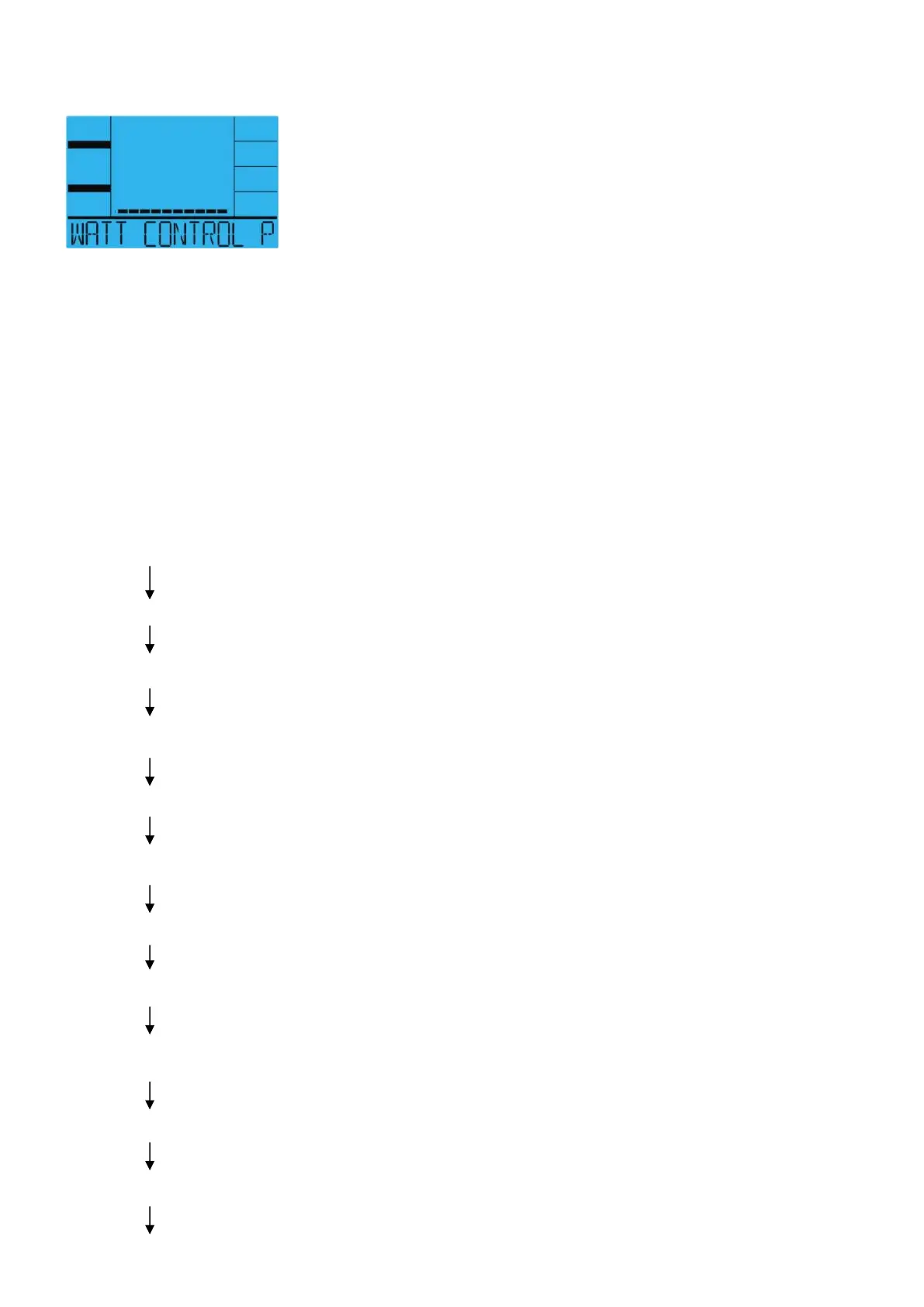
WATT Program
Display graphics:
Selecting “WATT ” pressing the WATT PROGRAM key then pressing the MODE key. The text
window will display “SELECT WATT” for 3 seconds, Meanwhile “20” will flash. Select WATT
value from 20 W to use the UP or DOWN key then press the MODE key to confirm.
Setting Parameters for WATT
After that 1
st
parameter “Time” will flash so value can be adjusted using the UP or DOWN key
Press the MODE key to save value & move to next parameter to be adjusted. Continue through
all desired parameters, start pedaling to begin workout.
“WATT” Operating Instructions
Press the WATT PROGRAM key (Select Interval Mode using the WATT PROGRAM Key)
Press the MODE key or Start Pedaling to start workout.
“20W ” flashes, press the UP or DOWN key (Select Watt value form 20W).
Press the MODE key.
“ Time” flashes, press the UP or DOWN key.
Press the MODE key.
“Distance” flashes, press the UP or DOWN key.
Press the MODE key.
“Kilojoule” flashes, Press the UP or DOWN key.
Press the MODE key.
“Pulse” flashes, press the UP or DOWN key.


 To Next Page