Start Pedaling to begin Workout.
If pulse is above or below the set target pulse , computer adjust the resistance load
automatically.
It will check Every 10 seconds approx. 10W will increase or decrease (Note: during the
workout. If computer receives no pulse signal , computer will keep the current resistance
for 60 seconds).
User can not adjust resistance load using the UP or DOWN key during the workout.
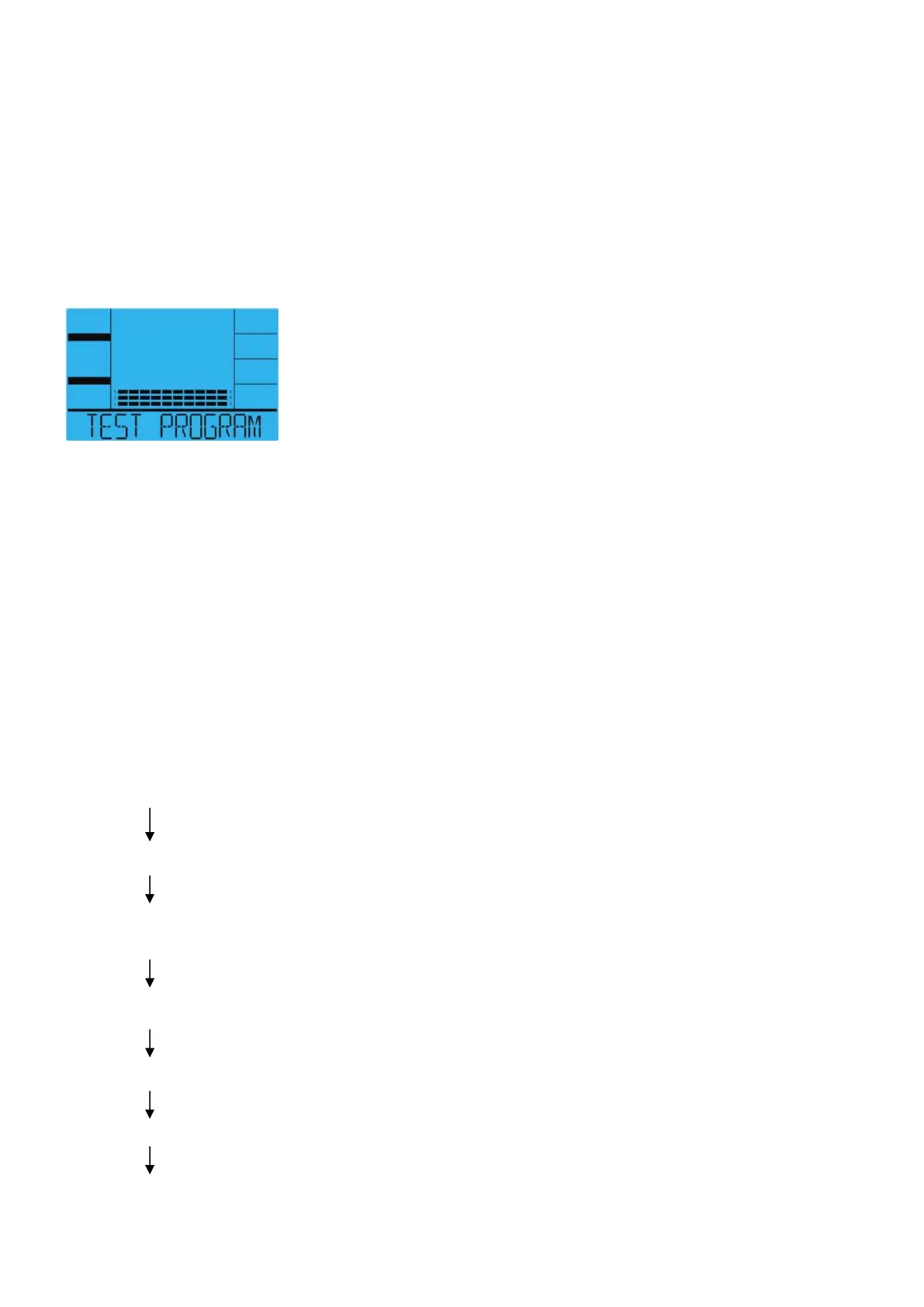
TEST Program
Display graphics:
Selecting “TEST ” pressing the TEST PROGRAM key then pressing the MODE key.
The display will show out average speed, total Distance, total Kilojoule and average Pulse of
last workout for 4 seconds.
After that the text window will display “SELECT WATT LEVEL” for 3 seconds, meanwhile “100”
will flash.Selecting WATT value from 100 W , using the UP or DOWN key then pressing the
MODE key to confirm.
Time display will show 12:00, it can not be changed.
After 12 minutes , will display Average Speed, Total Distance, Total Kilojoule and Average
Pulse.
“TEST” Operating Instructions
Press the TEST PROGRAM key (Select Test Mode using the TEST PROGRAM Key)
Press the MODE key or Start Pedaling to start workout.
“100W ” flashes ,Press the UP or DOWN key .
(Select Watt value form 100W).
Press the MODE key.
“ Time “ of 12:00 will be shown.
Start Pedaling to start Workout.
12 minutes later,Display will display Average Speed, Total Distance, Total Kilojoule and Average
Pulse.


 To Next Page