I 0667 - 9
8a
8
GB
5.2.3 - AUTO SELECT FOR ALU 3M RIMS
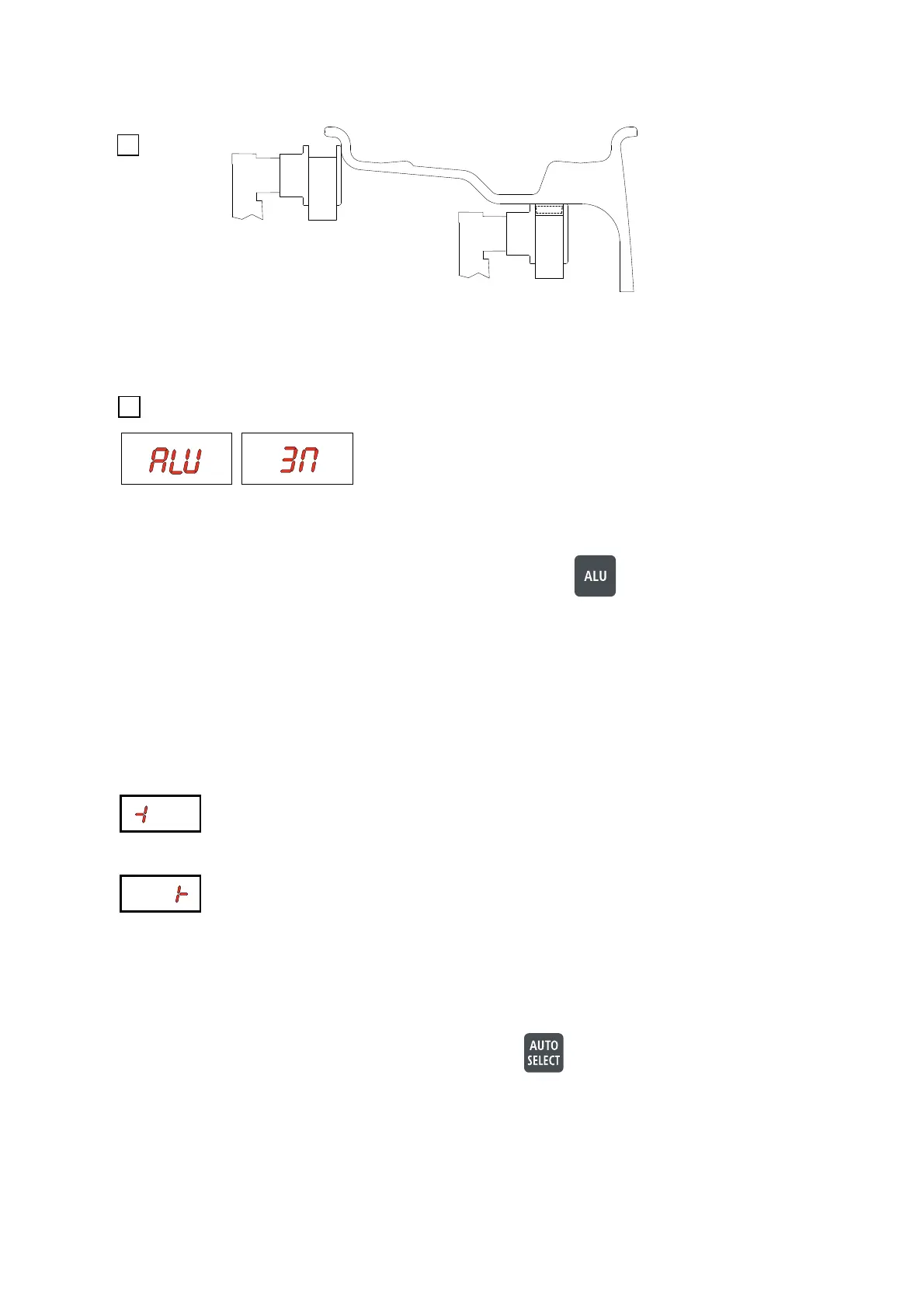
Pull out the gauge to the edge of the rim, where you want to fi x the clip on weight.
Keep the gauge there until to display the symbol indicated in fi g. 6a. Pull it further out to the right plane and wait for to
display the symbol indicated in fi g. 8a.
Move the gauge further to the right until the unbalance value is indicated.
Move the gauge further to the left until the unbalance value is indicated.
Make a control spin
To balance more tyres of the same type and dimensions, the machine automatically stores the data for the current
mounted wheel.
To input other dimensions or change the balancing program, press .
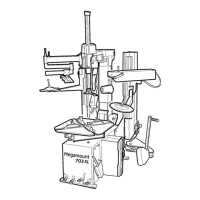
The machine confi rms with ALU 3M
Return the gauge to rest position
NOTE: In very rare cases the difference between the inner and the outer diameter is extremely little.
The machine will confi rm with ALU M then. For these cases press
for more than 3 seconds to switch
to the ALU 3M positions manually.
Make a measuring spin
For the clip on weight In the left position turn the wheel to the correct angle (see
RESULT OF MEASUREMENT) and fi x
the weight as usual by hand at the 12 o’ clock position.
For the adhesive weight In the right position turn the wheel to the correct angle.
Pull out the gauge for repositioning and re-adjust the angle.
For CHANGE OF GAUGE CHARACTERISTIC (see SETUP)



 To Next Page