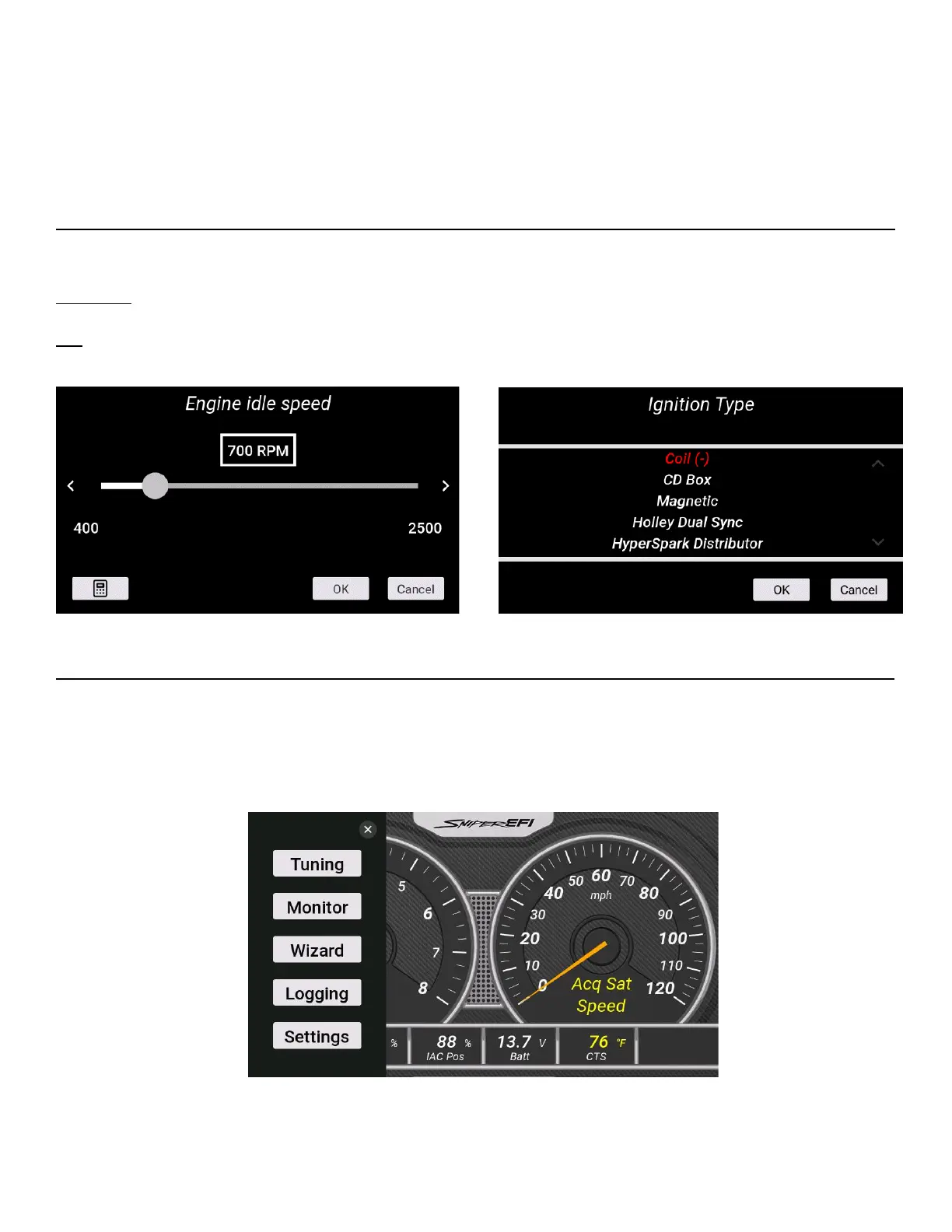
Slider Bar: Slide the bar left or right with the stylus, or use the right and left arrow keys for fine adjustment.
List: Use the scroll bar on the right hand side of the screen to view all list entries. Touch the desired list item
and click ‘OK’ to make a selection.
HOME SCREEN
The home screen contains icons which will navigate to different functional features of the 5” Dash. These
features will be discussed in detail throughout this manual. After 7 seconds, the left menu will slide off the side
of the display. It can be accessed again by tapping the screen and pressing the Menu Icon.
Home Screen











 To Next Page