Quick Start Guide
Group Settings
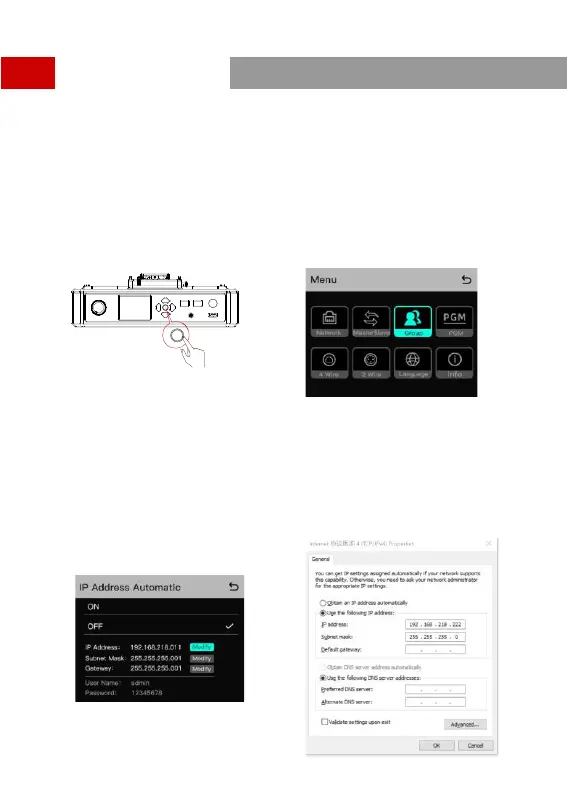
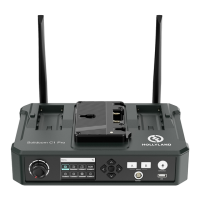
The HUB Base supports A and B grouping settings. You can view the system’s current group setting by
entering the Group menu on the HUB. To operate group settings, connect the computer and the HUB via
the RJ45 interface using the network cable, and enter the Group settings menu. Or download the Solidcom
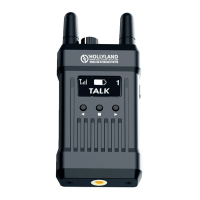
APP on the mobile phone and connect to the HUB through WiFi to access the Group settings menu.
Check Group Settings on HUB
HUB Di splay Interfaces
Viewing method:
Operate Grouping via Computer
Enter the “Network” menu on the HUB, and select
“Wired network settings” to view the HUB’s default IP
Address, User Name and Password.
Use a network cable to connect the computer and
the HUB via the RJ45 network port. Set the IP
address of the computer as [192.168.218.xxx],
and the default IP address of the HUB as
[192.168.218.10]
Long press the Menu/Confirm Button
to enter the Group settings menu
12



 To Next Page