Quick Start Guide
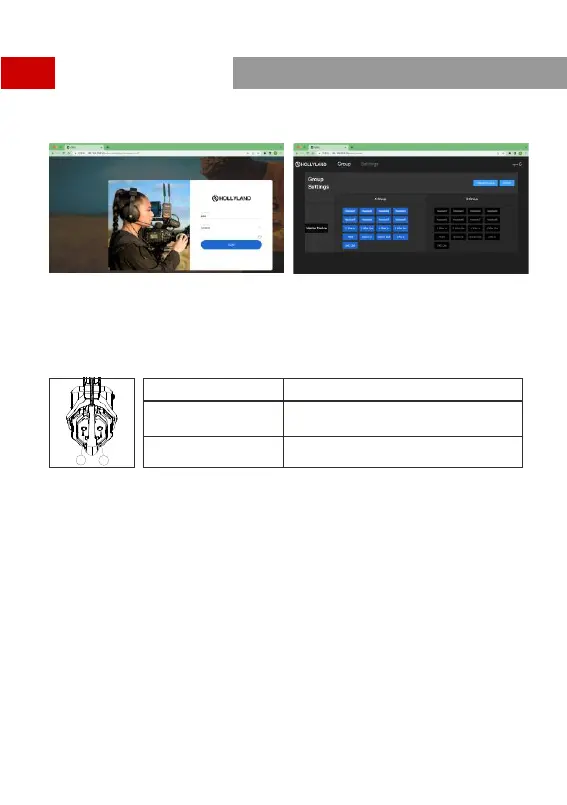
Open the browser on the computer and visit http://192.168.218.10 to enter the configuration page of the
HUB.
A & B Group Buttons on Headset(s)
After entering Group setting on the HUB, the A and B Buttons on the connected headset will light up. The
buttons light status indicates which group the headset has joined. Press the A or B Button on the
headset to Join/Enter the corresponding group.
A and B Button Light Status
Status
Ligh t ON
When t he A or B Button lights ON, it indicates the
head set has joined the corresponding group and can
conv erse with the other headset(s) in the same group .
Ligh t OFF
When t he A or B Button lights OFF, it indicates the
head set has exited the corresponding group.
A
B
A
B
13


 To Next Page