20 of 24 21 of 24
Compatibility
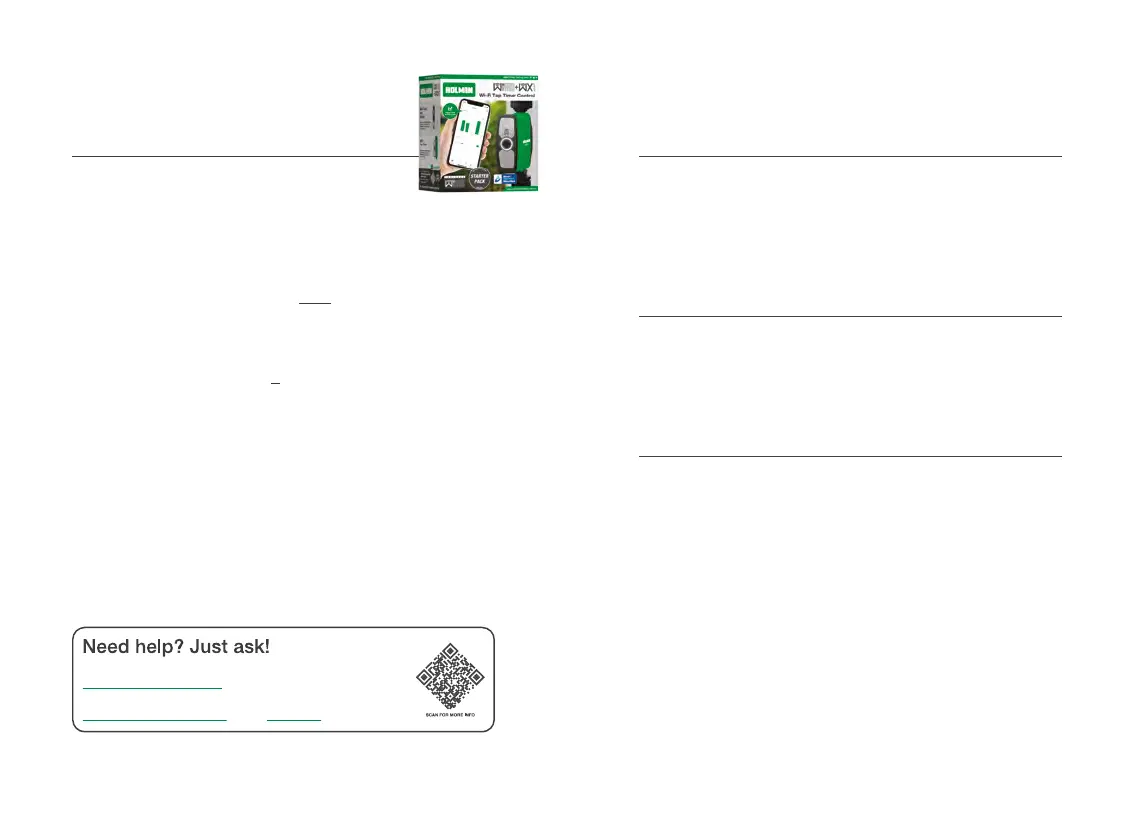
WX1 Wi-Fi Tap Timer with Wi-Fi Hub [WX1TH]
® These notes are only relevant if you already have a
WX1 Tap Timerwith Wi-Fi Hub [WX1TH]
® Your WX2 Starter Pack includes an upgraded Wi-Fi Hub mk.ii
® The Hub included with your WX1 Tap Timer is the mk.i version
® Your WX2 Dual Outlet Tap Timer is not
compatible with the mk.i Hub
Á Only use the provided mk.ii Hub that is provided in this pack
® Your existing WX1 Tap Timer is compatible with
the mk.ii Hub provided in this pack
® You can have both the mk.i and the mk.ii Hubs
connected to Holman Home
® For additional support with WX1 Tap Timer compatibility,
please contact our Customer Service team
Maintenance
Cold Weather
® Your WX2 should be removed from the tap
and stored away during winter
Á Keep your tap timer out of freezing conditions as this can
damage internal components
Batteries
® Remove batteries from your WX2 during periods of non-use
Á Battery leakage can cause corrosion
and damage to your WX2
Connection Issues
® If your WX2 shows as disconnected after replacing
the batteries, please wait a few minutes for
Holman Home to update your device status
® For additional support with connection issues,
please contact our Customer Service team
The Holman website has a host of additional information on features. Head to
support.holmanindustries.com.au for more tips, tricks and support content.
If you still need help, feel free to email our friendly Customer Service team at
support@holmanindustries.com.au or call at 08 9416 9999.



 To Next Page