9-1
Section 9
SOFTWARE TOOLS
The Discovery system software includes software tools to troubleshoot the system. They are:
• X-Ray Survey Tool Disk
•SQDRIVER
•SQVERIFY
• Emergency Motion (SQKEYPAD)
9.1 X-Ray Survey
The X-Ray Survey is a 32-bit utility that tests the functions of X-Ray generation and detection for
the system. This utility is used by Hologic manufacturing and service engineers only.
9.1.1 Invoking X-Ray Survey
1. Log on as the Field Service and start the QDR Software in Service mode.
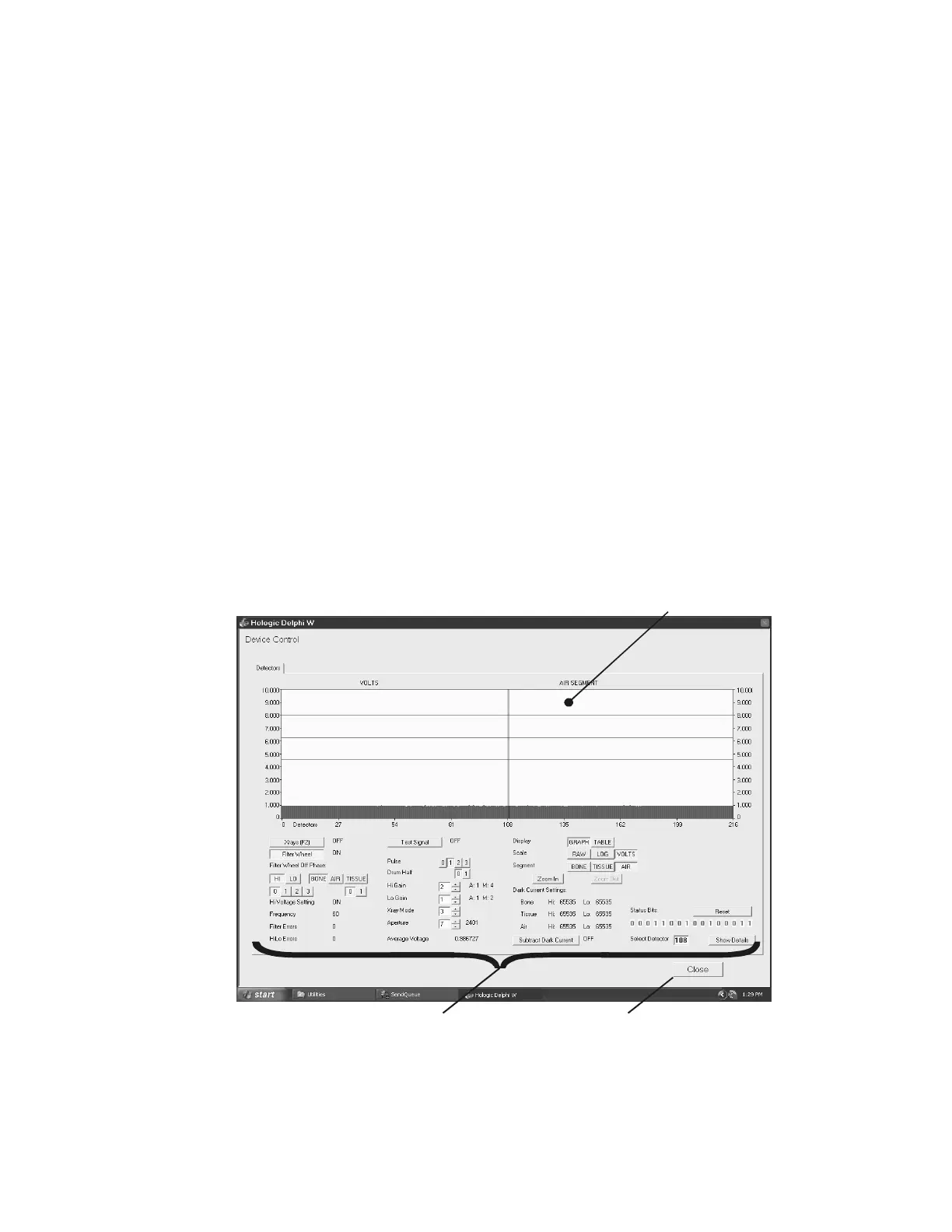
2. Click Utility > Service Utilities > X-Ray Survey and the X-Ray Survey utility screen
will appear (see
Figure 9-1).
Figure 9-1. The Main Display Controls
The utility screen is broken into three parts:
Display Controls Close utility
Main Display











 To Next Page