Holtkamp Electronics SUNCASH engl. techn. Stand 04.2016 4047_04.2016 V09.2019
- 25 -
16 Device malfunctions
If your SunCash does not behave as you would like, try to help
yourself with the following list. If you cannot repair the problem
yourself, then the dealer is, of course, there to help.
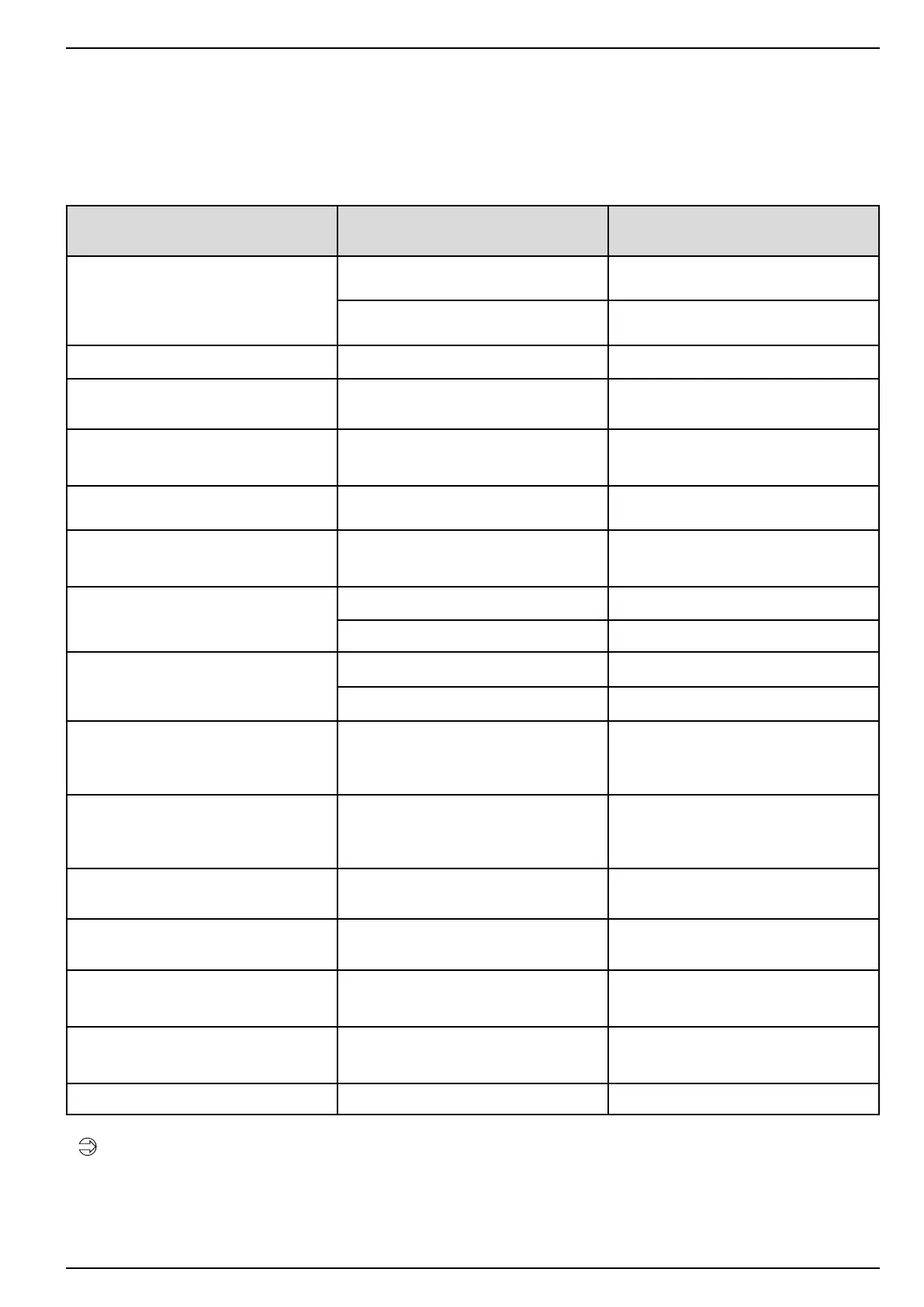
Malfunction Cause Possible remedy
The display is black.
fuse blown
measure the fuse with a continuity tester
change the fuse
no operating voltage check mains lead
The display shows irregular symbols. malfunction of the µ processor Intermit the mains lead for 10 seconds
Display is darker periodically. light device error e.g. low levels
press the service button on the key-pad
and enquire the cause
Display shows:
card issuance faulty
card jammed in the dispencer
remove the card, press the RESET button
onthemainspowerunitorshutoandon
the mains input
Display shows:
card issuance empty
dispenser empty Fill the dispencer with chip cards type 11
Display shows:
Card initialisation value to high
The card initialisation value is higher as
the maximum value which can be re-
valued to the card
Set the card initialisation value lower than
the card maximum value
Display shows:
This function is disabled
DIP switch no. 3 is not set at „ON“ Set DIP switch no. 3 to „ON“
Card deposit at „0“ Set card deposit to contrary “0”
Display shows:
Money changer not ready
Hopper empty Fill the hopper
Hopper is defective Change hopper or check if its secured
Display shows:
Terminal error E…
E28
E50
E52
E53
Insert chip card again
Insert chip card again
Foreign card! Will not be accepted.
Plug the card in the right direction
Display shows:
Terminal error E…
E54, E57
E58, E59, E66, E67
E129
E136
Insert chip card again
Card defective
Currency of the card is wrong
Card is no longer valid
Display shows:
DIP switch no. 4 is on
Cable damaged, plug loose SwitchDIPswitchno.4oagain
Display shows all the times:
No connection to the terminal
Cable damaged, plug loose Check that the plug is secure
Display shows:
Terminal operation type is false or terminal
congurationisfalse
Internal programming is wrong Inform a specialised business partner
Display shows:
Insert chip card again
Mains failure during revaluing a chip card
type 11
Insert the chip card again. The money is
not lost if the chip card is inserted within 3
minutes again
Bill acceptance bad Dirty or damaged not reader Inform your trader
Electricity installations make leave only by an electrical
specialist!



 To Next Page