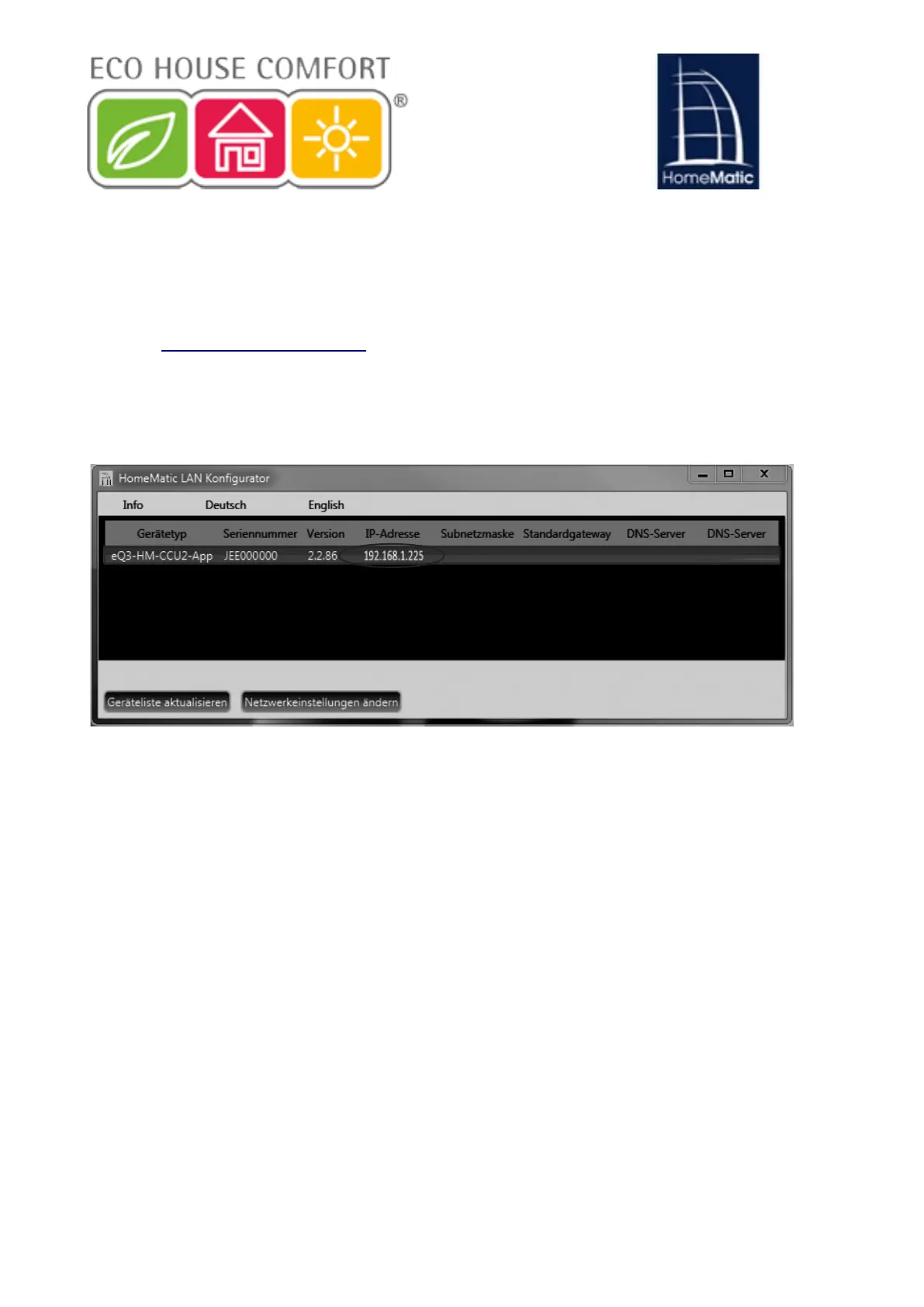
b) Display the IP address using additional software:
You can view the IP address of your location using an additional HomeMatic
software. To download the software, proceed as follows:
• Open www.homematic.com the site.
• Download the installation file from the download area of the Tools "Home
LAN Automatic Configuration".
• Install the software on your PC and open the Program.
20
Kopieren Sie die IP-Adresse Ihrer Zentrale.
Geben Sie die IP-Adresse anschließend in Ihrem Internetbrowser
HLQXQG6LHJHODQJHQ]XU:HE8,%HGLHQREHUÀlFKH
10.1.2 Anschluss per USB-Kabel
Sollten Sie Ihre Zentrale ohne Netzwerkverbindung nutzen, können
Sie das Gerät über ein USB-Kabel mit Ihrem PC verbinden. Dazu
werden zusätzliche Gerätetreiber benötigt. Um diese zu installieren,
gehen Sie wie folgt vor:
Verbinden Sie zunächst Ihre Zentrale über das beiliegende USB-
Kabel mit Ihrem PC.
Power
Internet
Info
• Copy the IP address of your location.
• Enter the IP address in your browser then go to the WebUI interface.
10.1.2. Connection via USB cable
If you use your CCU without a network connection, you can connect the
device via a USB cable to your PC. You will need additional device drivers
that you can install as follows:
• First connect your CCU2 via the included USB cable to your PC:
15


 To Next Page