EasyManua.ls Logo

Homewerks SmartVent 7146-80-MS - User Manual

Homewerks SmartVent 7146-80-MS
24 pages
Print Icon
To Next Page IconTo Next Page
Loading...
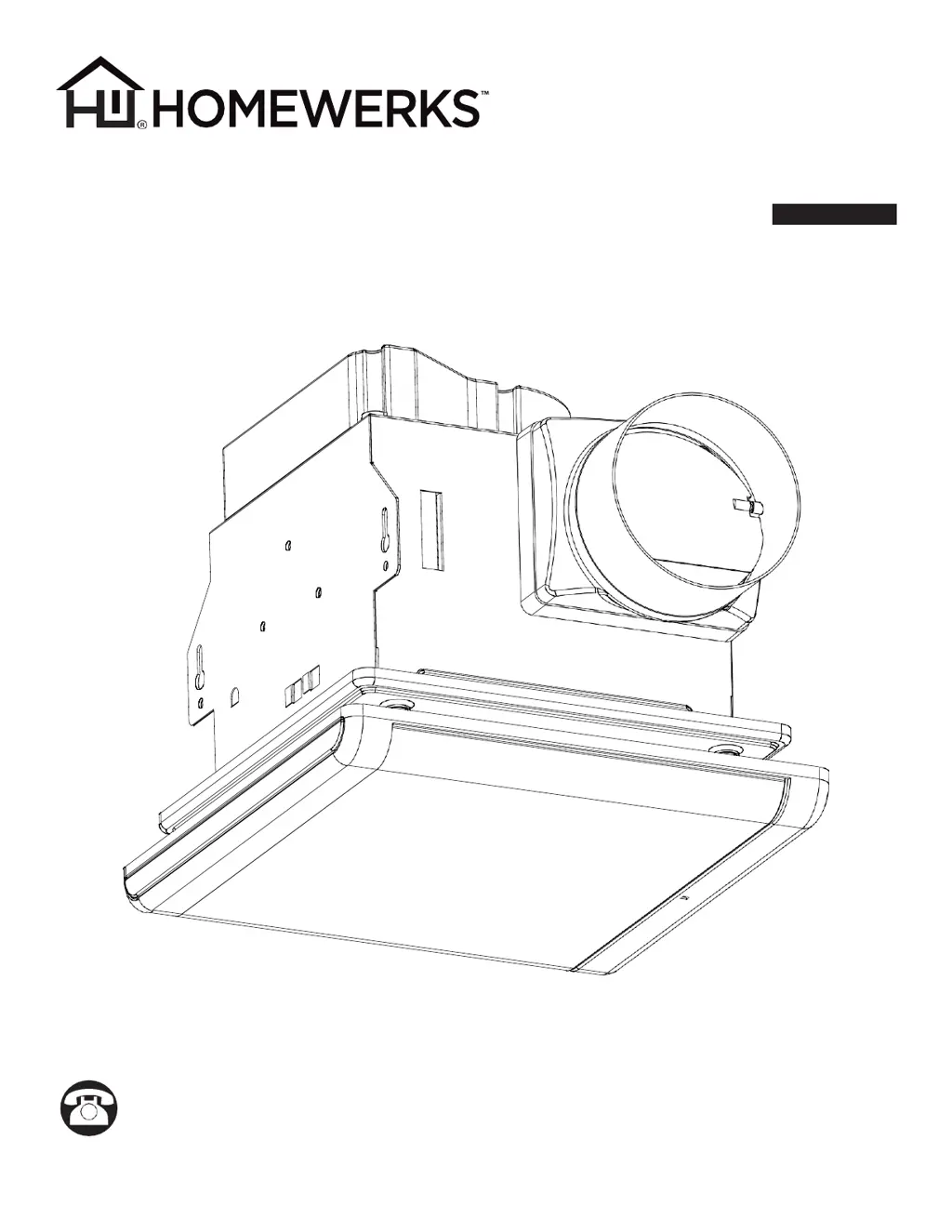
SmartVent
BATHROOM
VENTILATION FAN
MODEL 7146-80-MS
Español p. 13
Questions, problems, missing parts? Before returning to the store, call our customer
service department at 1-877-319-3757, 7:30 a.m. - 4:30 p.m., CST, Monday - Friday.
READ AND SAVE THESE INSTRUCTIONS
HomewerksWW.com
04-28-2020

Questions and Answers

  • M
    Margaret RandolphAug 5, 2025
    Why is my Homewerks Fan so loud?
    • B
      Blake DayAug 5, 2025
      There are several reasons why your Homewerks Fan might be louder than expected. The CFM could be too high for the room size; ensure the fan's CFM rating matches your room's square footage. The damper might be damaged or malfunctioning; check that it opens and closes correctly, and contact Customer Service if damaged. Sharp bends in the duct close to the fan discharge (within 18 inches) can also cause noise. Using a duct that's smaller than recommended can increase noise. Finally, ensure the fan housing is securely attached to the ceiling joists.
  • L
    Louis HughesAug 12, 2025
    What to do if Homewerks SmartVent 7146-80-MS Fan keeps running?
    • A
      Adam CopelandAug 12, 2025
      If your Homewerks Fan continues to run despite humidity levels being below 60% RH, it could be due to outdoor humidity back drafting into the fan; in this case, allowing the fan to continue running is beneficial for venting the house, with minimal electrical cost. Alternatively, the fan might be in manual mode. Check that the humidity sensing function is selected on the wall switch; the humidity sensor icon should be illuminated when humidity sensing mode is active.
  • K
    Kevin JonesAug 20, 2025
    Why is my Homewerks Fan vibrating?
    • J
      Justin GarciaAug 20, 2025
      An abnormal sound or vibration in your Homewerks Fan can stem from a few causes. Start by ensuring the fan housing is securely attached to the ceiling joists or wall studs. Also, verify that the grille is firmly attached to the fan housing by gently pushing it upward until it's secure. Finally, check that the circular duct is securely connected to the duct connector with duct tape or a clamp, ensuring an airtight connection.
  • F
    farrellmatthewAug 28, 2025
    How to improve humidity clearing with Homewerks SmartVent 7146-80-MS?
    • M
      Mark GomezAug 28, 2025
      If your Homewerks Fan isn't effectively clearing humidity, it might be due to insufficient airflow intake. Make sure a door or window is slightly ajar or open to allow airflow, as the fan needs sufficient airflow to draw air out of the room. Also, confirm that the fan's CFM rating matches the square footage of your room, as insufficient CFM can also cause this issue.

Summary

Product Specifications

UL Compliance

FCC Compliance

Package Contents

Hardware Included

Safety Information

Preparation

Wiring

New Construction Installation Instructions

Existing Construction Installation Instructions

LED Wall Switch Operation

Care and Cleaning

Troubleshooting

Limited 3-Year Warranty

Homewerks SmartVent 7146-80-MS Specifications

General IconGeneral
Model Number7146-80-MS
CFM80
Sones1.5
Voltage120V
Housing MaterialGalvanized Steel
ColorWhite
Mounting TypeCeiling
Energy Star CertifiedYes
Built-in LightNo
Humidity SensorNo
Motion SensorNo
TimerYes
ConnectivityWiFi
CompatibilityAmazon Alexa, Google Assistant
Control MethodApp
Duct Size4 inches

Related product manuals