uuGauges and Driver Information InterfaceuDriver Information Interface
158
Use the driver information interface to customize certain features.
■
How to customize
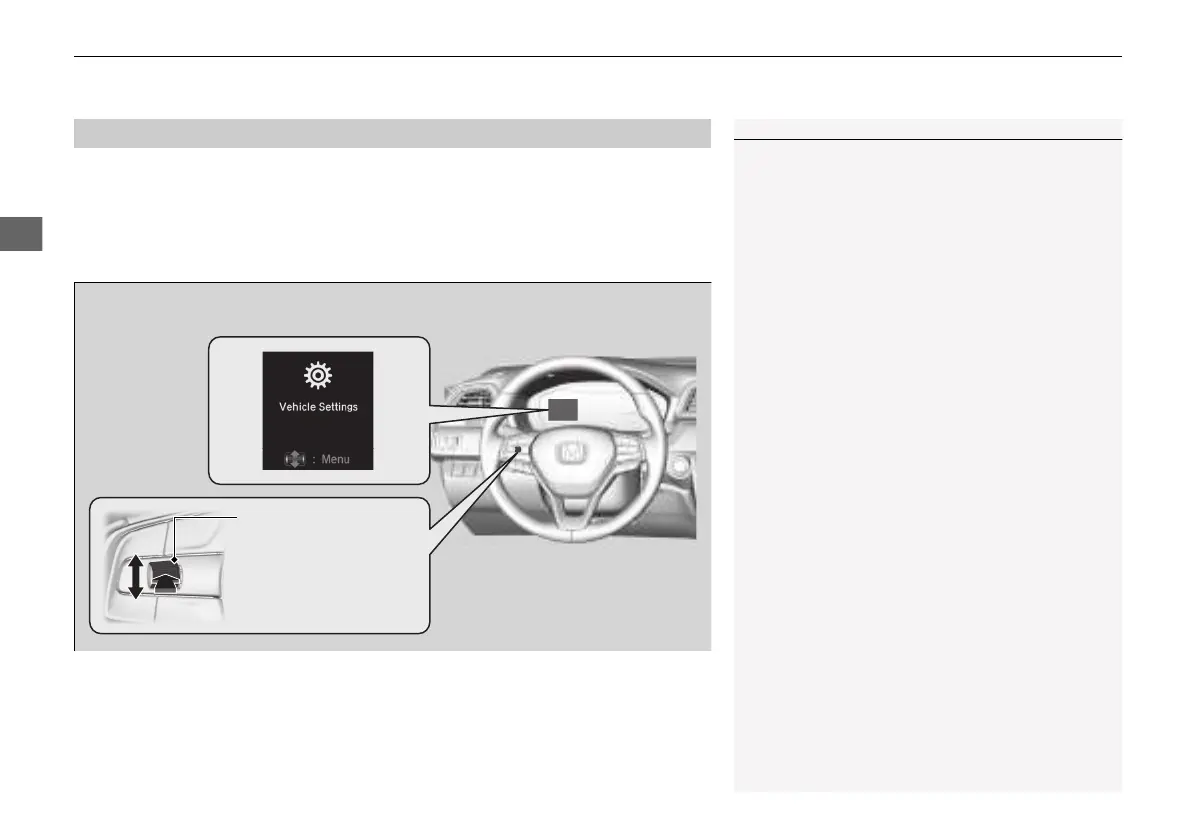
Select the Vehicle Settings screen by rolling the left selector wheel while the power
mode is in ON, and the vehicle is at a complete stop. Push the left selector wheel.
■
Customized Features
*
1Customized Features
*
To customize other features, roll the left selector
wheel.
2 List of customizable options P. 161
2 Example of customization settings P. 166
Put the transmission into
(P before you attempt to
change any customized setting.
Left selector wheel
Roll: Changes the
customize menus and
items.
Push: Enter the selected
item.
Driver Information Interface:
Goes to Vehicle Settings.
* Not available on all models
21 INSIGHT-31TXM6200.book 158 ページ 2020年2月5日 水曜日 午前10時0分














 To Next Page