Continued
275
uuAudio System Basic OperationuAudio/Information Screen
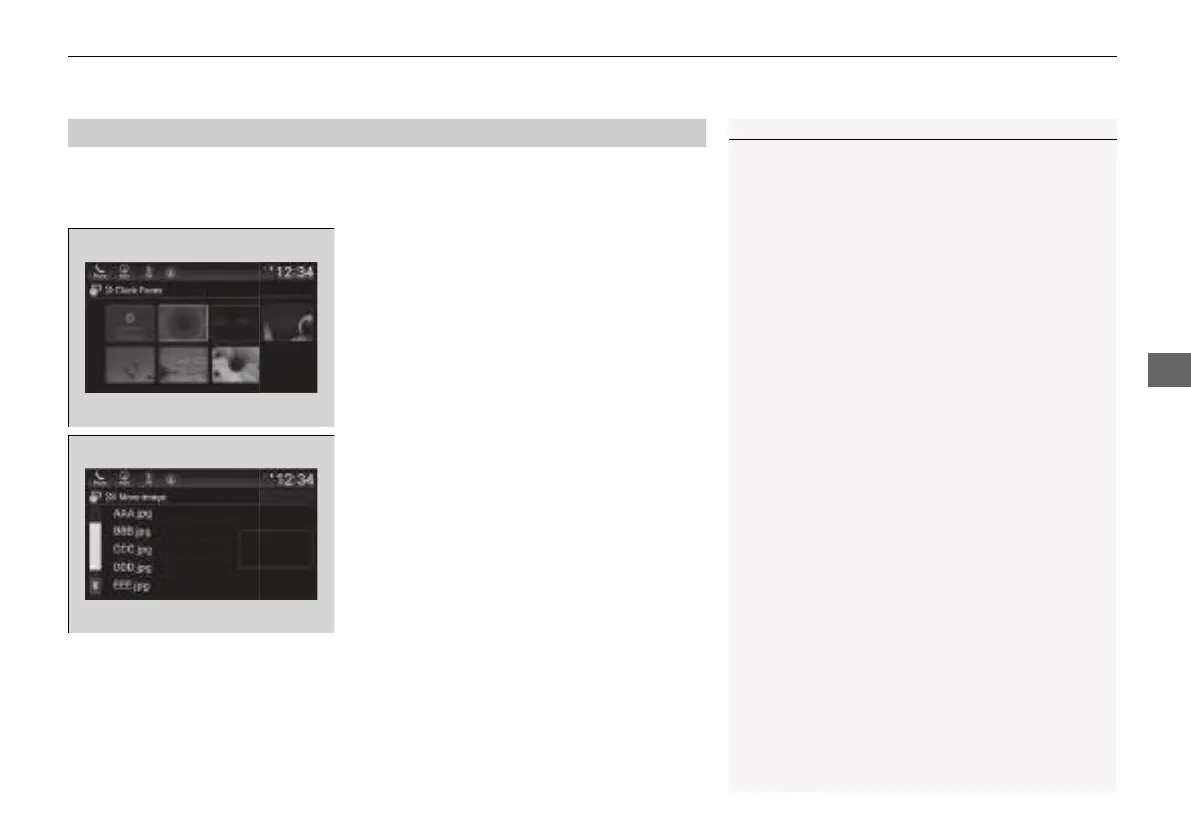
You can change, store, and delete the wallpaper on the audio/information screen.
■
Import wallpaper
1. Connect the USB flash drive to the USB
port.
2 USB Port(s) P. 241
2. Select Clock.
3. Select Settings.
4. Select Clock Faces.
5. Select Add New Wallpaper.
u The Searching... screen is displayed.
6. Import a desired picture.
u Multiple pictures can be imported at the
same time.
7. Select Start Import.
u The display will return to the Clock Faces
screen.
■
Wallpaper Setup
1Wallpaper Setup
The wallpaper you set up on Clock Faces cannot be
displayed on the driver information interface.
• When importing wallpaper files, the image must be
in the USB flash drive’s root directory.
Images in a folder cannot be imported.
• The file name must be fewer than 64 characters.
• The file format of the image that can be imported
is BMP (bmp) or JPEG (jpg).
• The individual file size limit is less than 2 MB.
• If the USB flash drive does not have any pictures,
the No files detected message appears.
• Up to five pictures can be imported.
• The maximum image size is 1,920 × 936 pixels. If
the image size is less the image is displayed in the
middle of the screen with the extra area appearing
in black.
21 INSIGHT-31TXM6200.book 275 ページ 2020年2月5日 水曜日 午前10時0分














 To Next Page