Continued
279
uuAudio System Basic OperationuAudio/Information Screen
■
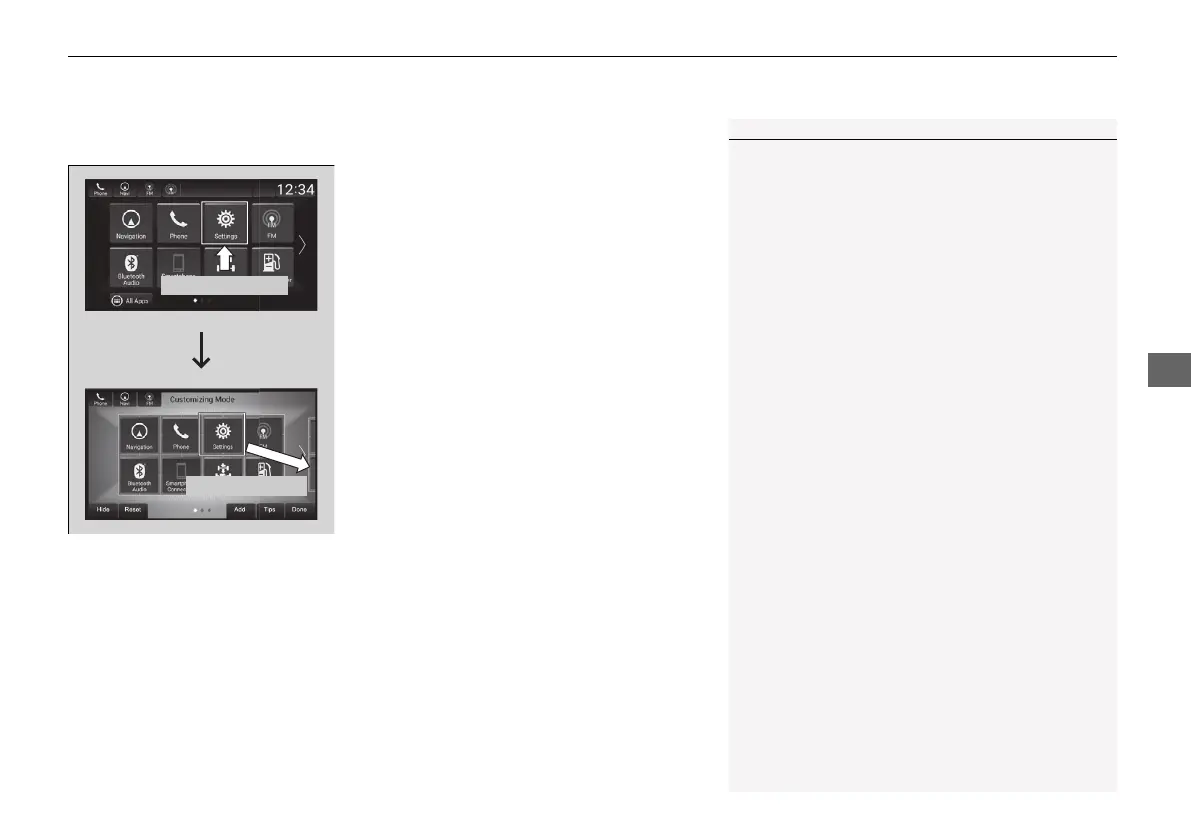
To move icons on the home screen
You can change location on the home screen.
1. Select and hold an icon.
u The screen switches to the customization
screen.
2. Drag and drop the icon to where you want
it to be.
3. Select Done.
u The screen will return to the home
screen.
1To move icons on the home screen
Select Tips to show tips. To hide them, select it again.
Select and hold.
Drag and drop.
21 INSIGHT-31TXM6200.book 279 ページ 2020年2月5日 水曜日 午前10時0分













 To Next Page