Continued
285
uuAudio System Basic OperationuSystem Updates
■
How to update
When the audio system update is available, the notification is shown on the audio/
information screen. Use the following procedure to update the system.
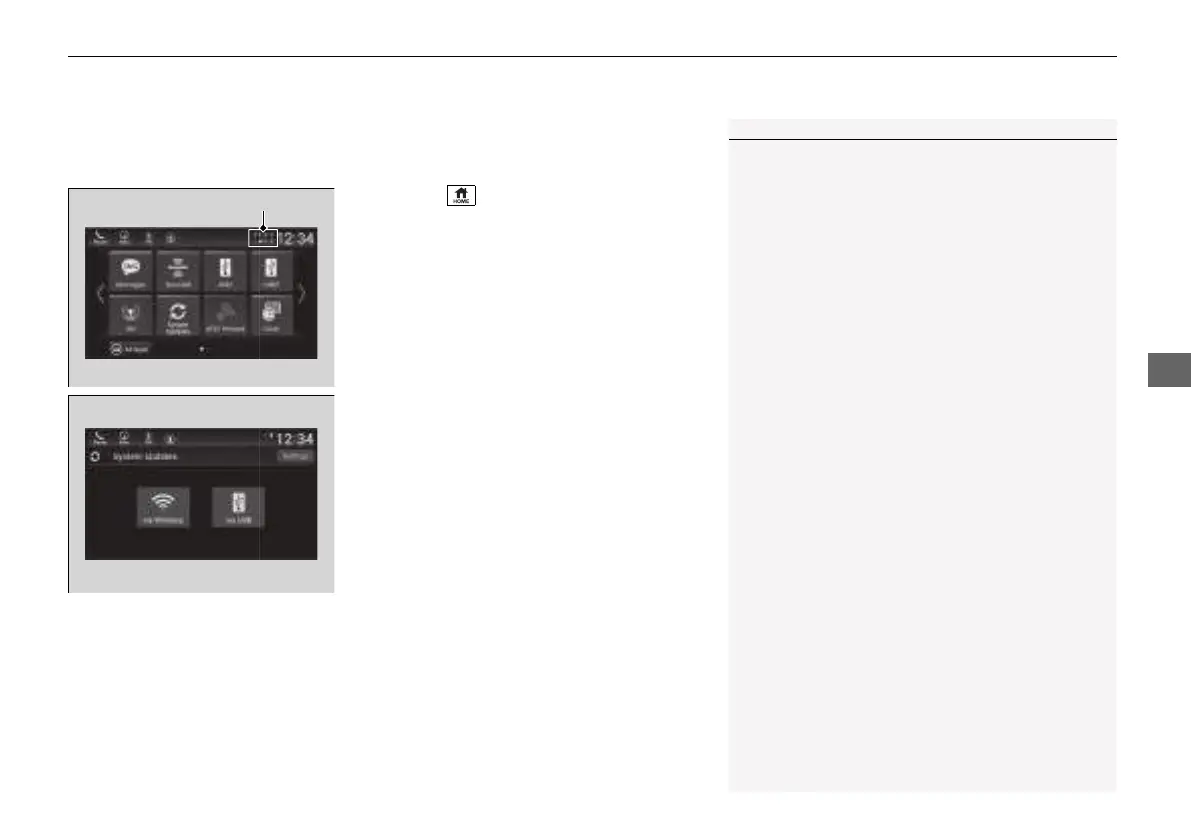
1. Press the button.
2. Select System Updates.
3. Select via Wireless.
u If a notification is displayed on the
screen, the screen of step 5 will be
displayed.
4. Select Download Now.
u A notification appears on the screen.
1How to update
You can update the system via Wi-Fi, but cannot use
the captive portal that require login or agreement the
terms of use on the browser.
Your download will be canceled if:
• Your Wi-Fi connection is severed.
• You turn off the power system when the 12-volt
battery is low on power.
Your download will recommence the next time a Wi-
Fi connection is established.
21 INSIGHT-31TXM6200.book 285 ページ 2020年2月5日 水曜日 午前10時0分














 To Next Page