uuAudio System Basic OperationuAndroid Auto
336
d Music and audio
Play Google Play Music and music apps that are compatible with Android Auto.
To switch between music apps, press this icon.
e Go back to the Home Screen.
f Voice
Operate Android Auto with your voice.
When you connect an Android phone to the unit via the USB port, Android Auto is
automatically initiated.
■
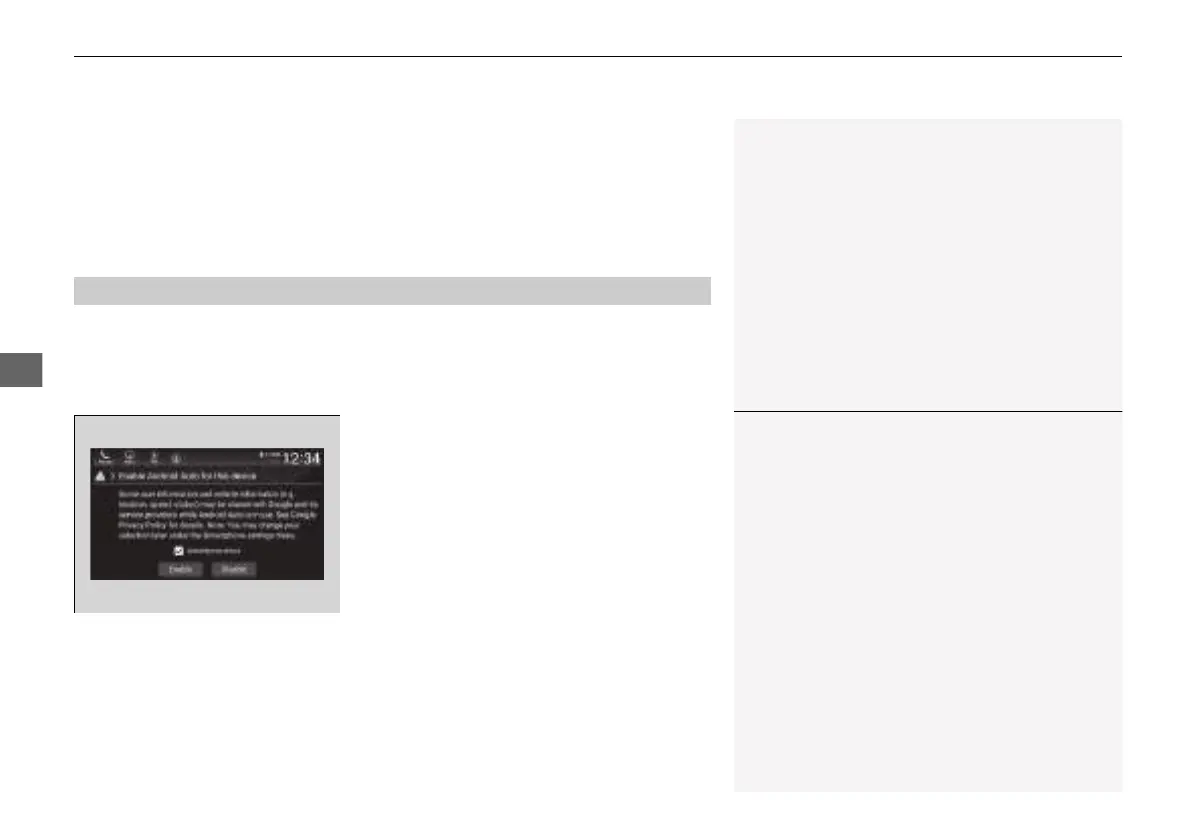
Enabling Android Auto
Check the checkbox.
Enable: Allows this consent.
Disable: Does not allow this consent.
You may change the consent settings under
the Connections settings menu.
■
Auto Pairing Connection
1Enabling Android Auto
Only initialize Android Auto when you safely parked.
When Android Auto first detects your phone, you will
need to set up your phone so that auto pairing is
possible. Refer to the instruction manual that came
with your phone.
You can use the method below to change Android
Auto settings after you have completed the initial
setup:
Press the HOME Select Settings Connections
Smartphone Connection Android Auto Select
device Edit Device Permissions
Use of user and vehicle information
The use and handling of user and vehicle information
transmitted to/from your phone by Android Auto is
governed by the Google’s Privacy Policy.
21 INSIGHT-31TXM6200.book 336 ページ 2020年2月5日 水曜日 午前10時0分














 To Next Page