uuBluetooth® HandsFreeLink®uHFL Menus
418
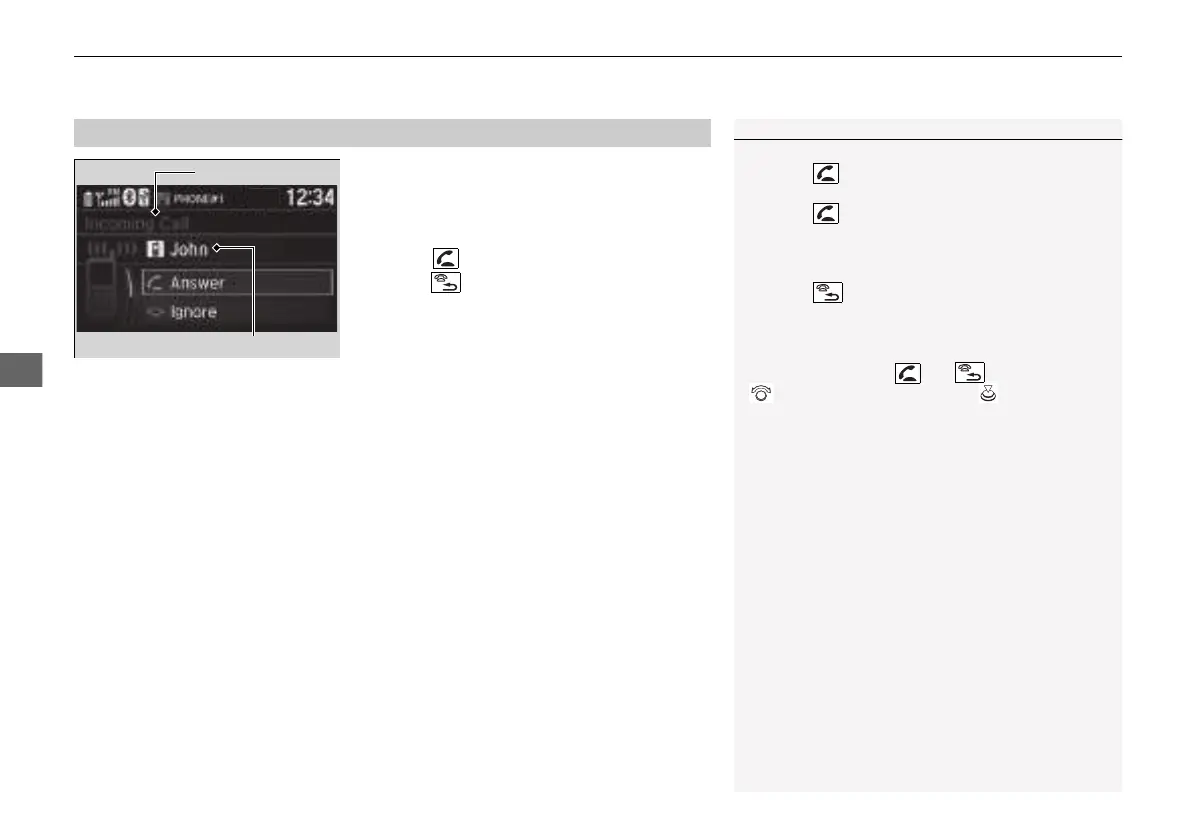
When there is an incoming call, an audible
notification sounds and the Incoming Call
screen appears.
Press the button to answer the call.
Press the button to decline or end the call.
■
Receiving a Call
1Receiving a Call
Call Waiting
Press the button to put the current call on hold
to answer the incoming call.
Press the button again to return to the current
call.
Select Ignore to ignore the incoming call if you do
not want to answer it.
Press the button if you want to hang up the
current call.
You can select the icons on the audio/information
screen instead of the and buttons. Rotate
to select the icon, then press .
21 INSIGHT-31TXM6200.book 418 ページ 2020年2月5日 水曜日 午前10時0分














 To Next Page