Continued
441
uuBluetooth® HandsFreeLink® uHFL Menus
■
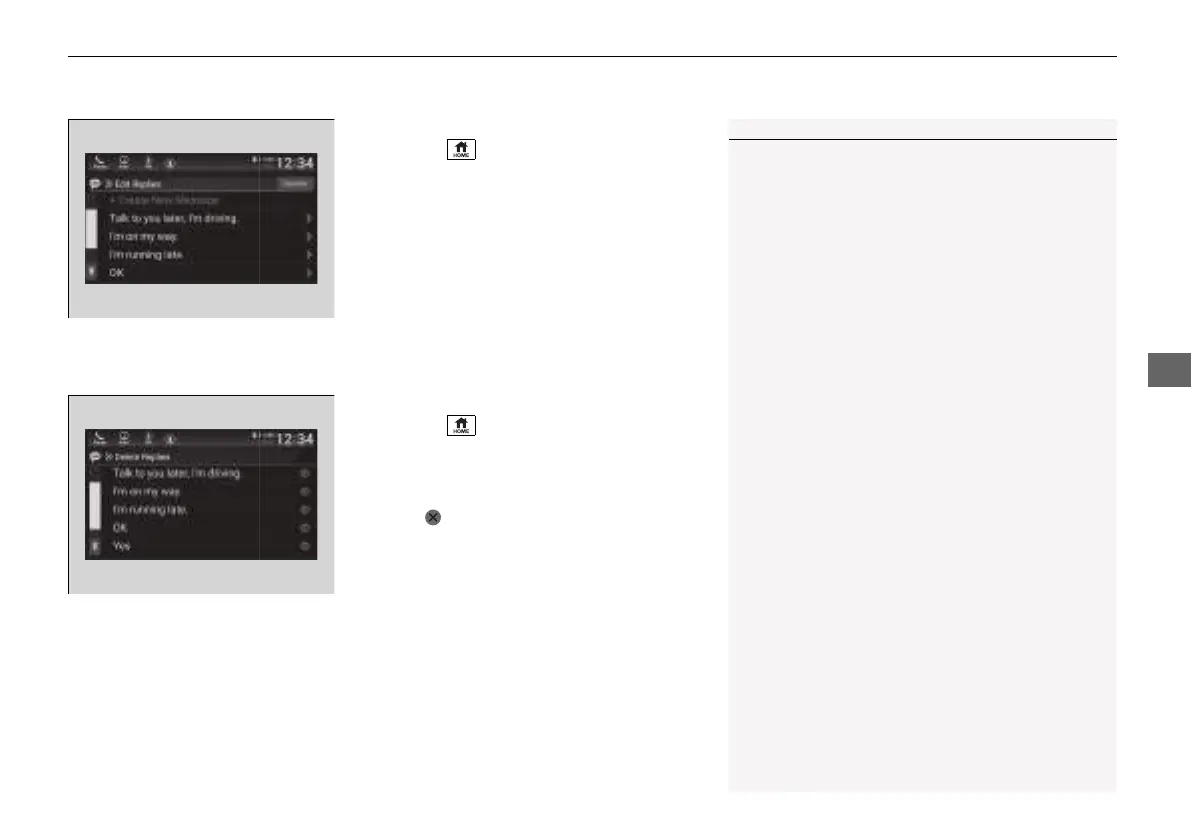
To edit a reply message
1. Press the button.
2. Select Messages.
3. Select Settings.
4. Select Edit Replies.
5. Select the reply message you want to edit
or + Create New Message.
u The on-screen keyboard screen is
displayed.
6. Enter a reply message, and then select
Save.
■
To delete a reply message
1. Press the button.
2. Select Messages.
3. Select Settings.
4. Select Delete Replies.
5. Select on the reply message you want to
delete.
u The pop-up menu appears on the screen.
6. Select Yes.
1To edit a reply message
You can change the order of reply messages by
selecting Reorder.
21 INSIGHT-31TXM6200.book 441 ページ 2020年2月5日 水曜日 午前10時0分














 To Next Page