– 69 –
FIRE/CO ALARM SYSTEM
FIRE/CO ALARM SYSTEM FIRE/CO ALARM SYSTEM
FIRE/CO ALARM SYSTEM (If Installed)
General Information
UL
ULUL
UL
LYNX Touch is not intended for UL985 Household Fire applications unless a 24-hour backup battery (P/N
LYNXRCHKIT-SHA) is installed.
General
Your fire alarm system (if installed) is active 24 hours a day, providing continuous protection. In the event of an
emergency, the installed smoke, heat and/or carbon monoxide detectors will automatically activate your
security system, triggering a loud, intermittent sound from the touch screen. The sound will be interlaced with
the voice descriptor, sounding every 15 seconds. A “FIRE” or “CO” message will appear at your touch screen and
remain on until you silence and clear the alarm display.
In Case of Fire
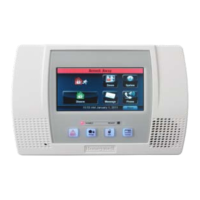
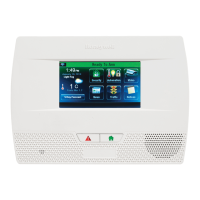
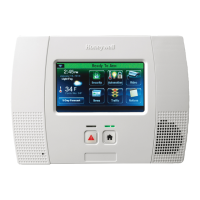
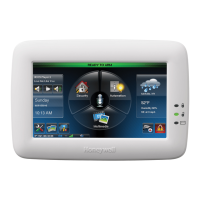
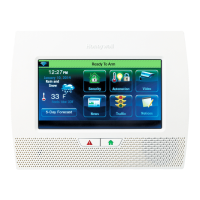
1. Should you become aware of a fire emergency before your detectors sense the problem, go to the LYNX Touch
and press and hold the panic button and then select the Fire icon. The alarm will sound and an alarm will be
transmitted to the central station.
2. Evacuate all occupants from the premises.
3. If flames and/or smoke are present, leave the premises and notify your local Fire Department immediately.
4. If no flames or smoke are apparent, investigate the cause of the alarm. The zone number of the zone(s) in an
alarm condition will appear at the touch screen.
In Case of Carbon Monoxide Alarm
1. If a high level of carbon monoxide is detected you should evacuate all occupants from the premises and
immediately move to a spot where fresh air is available, preferably outdoors.
2. From a safe area, contact your security service provider for further instructions.
Silencing a Fire/Carbon Monoxide Alarm
1. Silence the alarm by entering a valid code.
2. To clear the alarm, select the “Home” key and entering a valid code again.
3 If the touch screen still indicates a trouble condition, check that smoke detectors are not responding to smoke- or
heat-producing objects in their vicinity. Should this be the case, eliminate the source of heat or smoke.
4. If this does not remedy the problem, there may still be smoke in the detector. Clear it by fanning the detector for
about 30 seconds.
5. When the problem has been corrected, clear the display by selecting the “Home” key and entering a valid code
again.


 To Next Page
 Loading...