10
USE & OPERATION
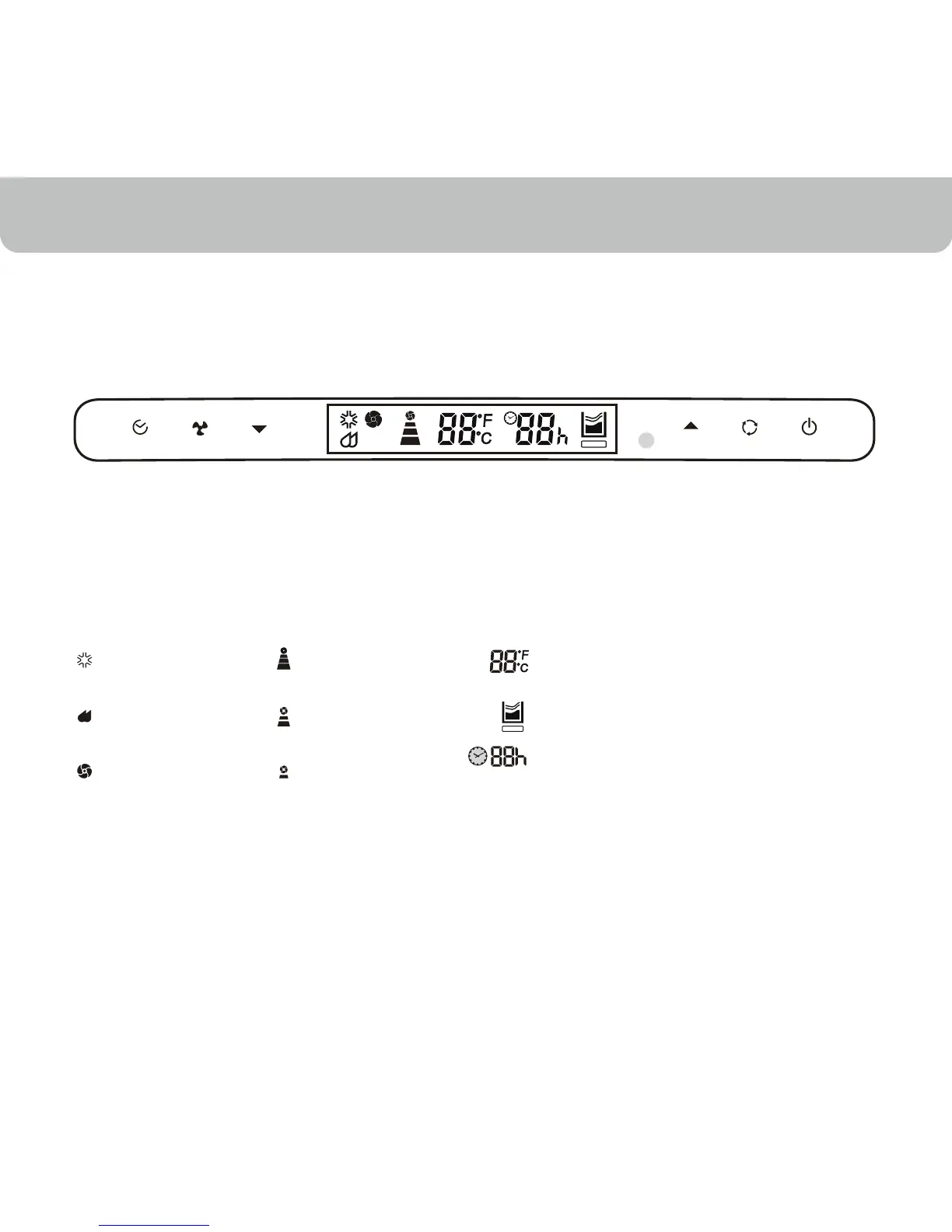
Indication symbols on LCD panel:
Cooling Mode High Fan Speed
Dehumidify
Mode
Medium Fan
Speed
Fan Mode Low Fan Speed
Display set temperature in Fahrenheit
or Celsius
Error – The machine will stop running
Display timer setting to automatically
turn on/off between 1 to 24 hours
STOP
STOP



 To Next Page
 Loading...