Installation Guide
18
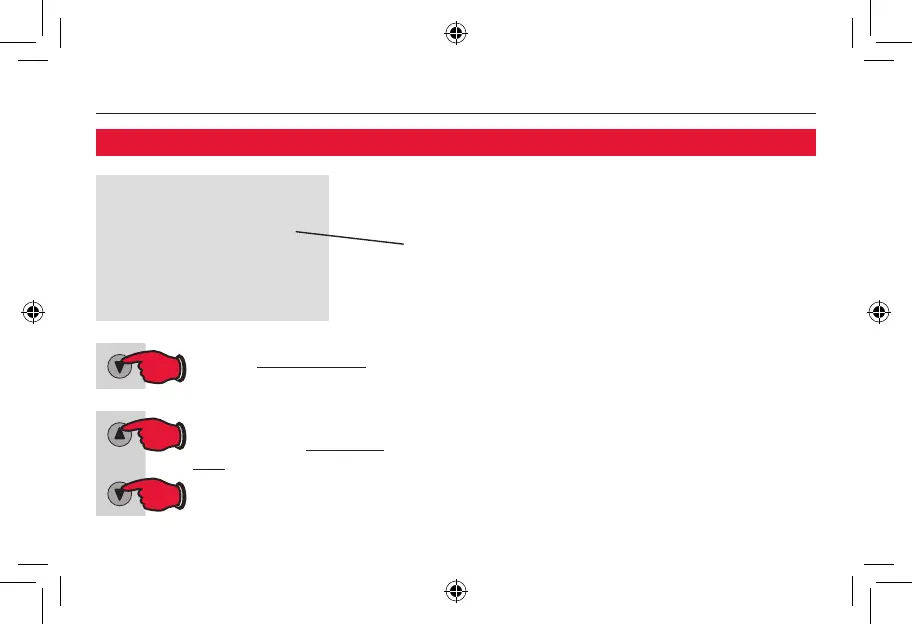
Press to change setting.
When finished, press and
hold both buttons to exit
and save changes.
Press the t button to select Fahrenheit or
Celsius temperature display:
0 Fahrenheittemperaturedisplay(°F)
1 Celsiustemperaturedisplay(°C)
Function 14: Temperature display
69-1891ES-1-RTH3100C-IG.CS5.indd 18 5/17/2011 11:21:10 AM


 To Next Page
 Loading...