3
Austin Energy
®
Call toll-free at 1-877-549-2774
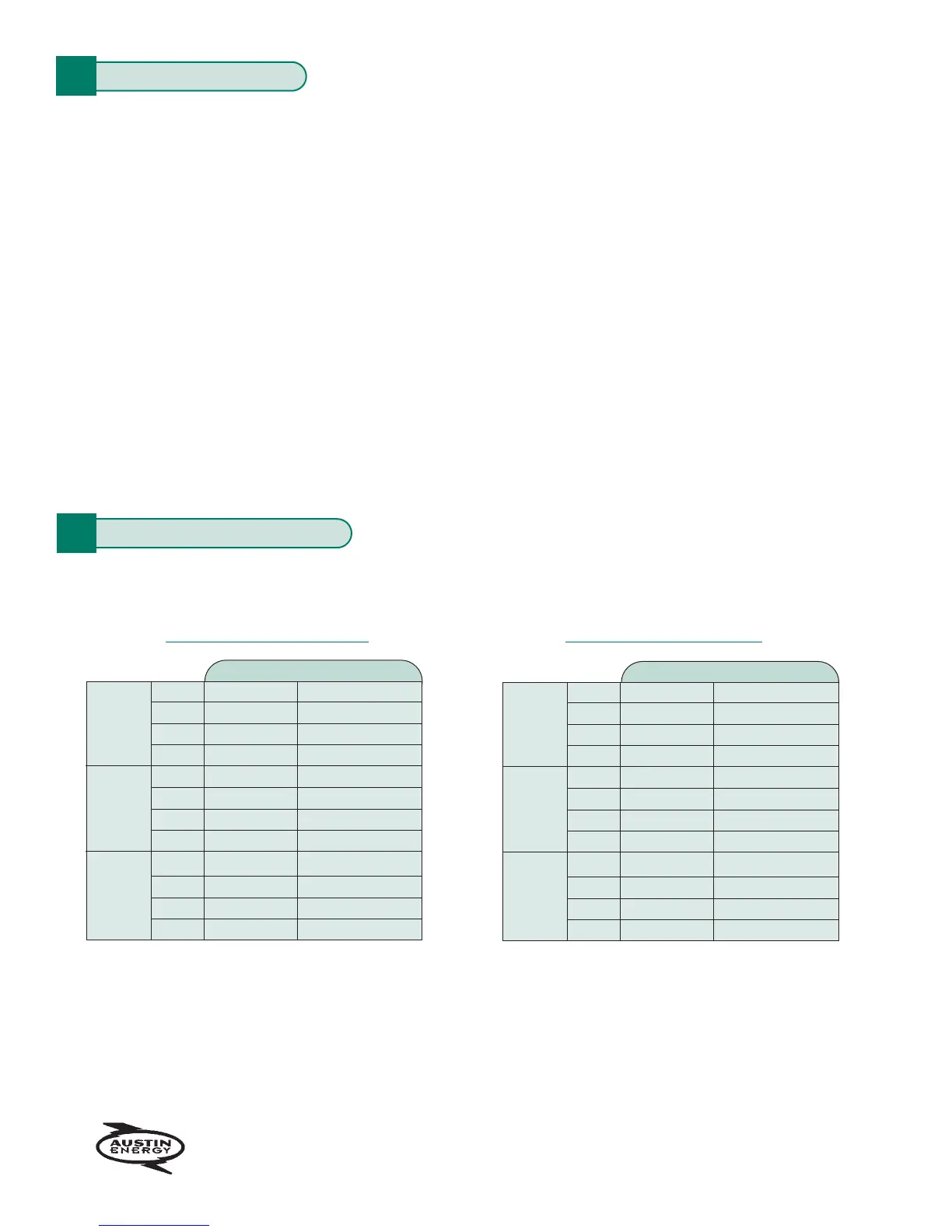
Your Heating Schedule for Winter
Y
our Cooling Schedule for Summer
Time Cooling Temperature
Wake
Leave
Return
Sleep
Saturday
Sunday
Weekday
Wake
Leave
Return
Sleep
Wake
Leave
Return
Sleep
Time Heating Temperature
Wake
Leave
Return
Sleep
Saturday
Sunday
Weekday
Wake
Leave
Return
Sleep
Wake
Leave
Return
Sleep
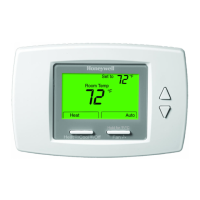
SETTING YOUR THERMOSTAT
You will find it helpful to complete the personal programming charts before you begin programming your thermostat.
Plan your program schedule for various times of the day by using your personal programming chart. Temperatures
cannot be set any higher than 88 F or any lower than 45 F.
Four time settings are available for weekdays, Saturdays, and Sundays. They are
wake, leave, return, and sleep.
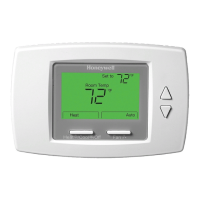
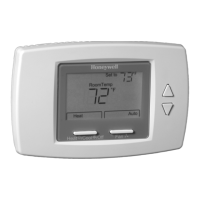
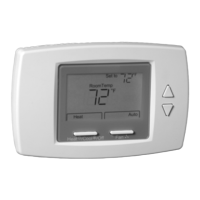
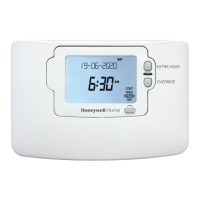
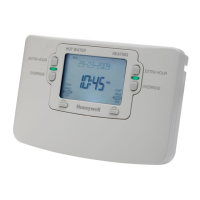
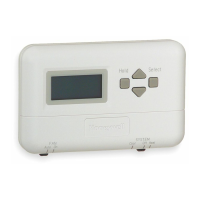
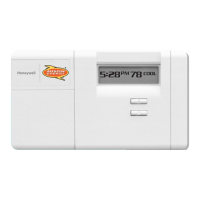
These settings can be displayed individually on your SuperStat
™
thermostat as you press the weekday schedule
or weekend schedule keys. You may want to enter a different schedule for the cooling and heating seasons.
Wake. Set the wake time earlier than your alarm clock so the house has time to warm up or cool down to a
comfortable temperature before you wake up.
Leave. When you leave the house, you can save energy by setting the thermostat to control the temperature
higher or lower (depending on season).
Return. You want the house at a comfortable temperature when you return and go about the normal activities
of your day before bedtime. Set the return time earlier than the time you actually get home, so the house has
time to warm up or cool down before you arrive.
Sleep. For more comfortable sleeping, while saving energy, you can set the thermostat to control the temperature
higher or lower.
S P
ERSONAL P
ROGRAMMING CHARTS



 To Next Page