8
Austin Energy
®
Call toll-free at 1-877-549-2774
TOLL-FREE CUSTOMER ASSISTANCE
If additional assistance is needed, please call Austin Energy’s Power Partner program toll-free at
1-877-549-2774.
ADDITIONAL RESIDENTIAL RESOURCES
Austin Energy offers a variety of energy conservation programs to help keep your home energy efficient.
You can perform your own on-line Home Energy Analysis. For more information about our programs, visit
our Web site at
www.austinenergy.com or call us at 512-974-7827.
"Appliance Efficiency Program "Energy Star Appliance Program "Green Choice Program
"Cycle Saver Program "Free Home Energy Work "Multi-Family Program
"Duct Diagnostic Program "Green Building Program "To t al Home Efficiency Program
COMMERCIAL BUILDING THERMOSTAT USERS
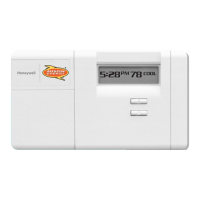
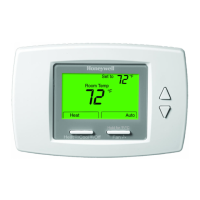
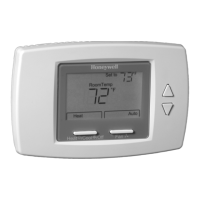
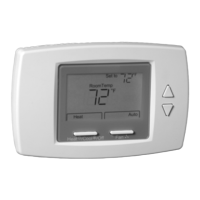
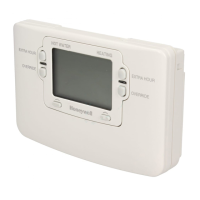
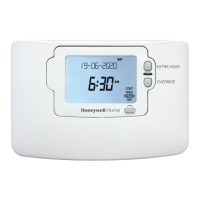
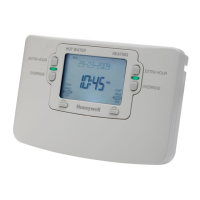
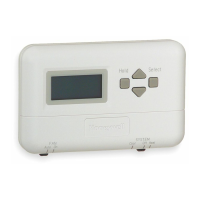
The programming features of the SuperStat
™
thermostat for your commercial building(s) are identical to
the residential SuperStat
™
features. The following information explains how to use your thermostat for
commercial use.
S
ETTING
YOUR T
HERMOSTAT FOR COMMERCIAL USE
Settings for wake, leave, return, and sleep modes will take on different meanings when programming your
thermostat for commercial buildings.
You may need the temperature of your building to be set before or when you arrive
(wake) and may
also need it to change again when your customers start to arrive
(leave). Additionally, you may want the
temperature to change at the end of the business day
(return) when customers are no longer present. You
have the option to change it when you leave for the day
(sleep).
You will find it helpful to complete the personal programming charts before you begin programming
your thermostat. Plan your program schedule according to the times of your business needs. Temperatures
cannot be set any higher than 88 F or any lower than 45 F.
Wake (Employee Arrival). Use this setting for the time employees arrive at work. For example, if your
business opens at 8 a.m., program your setting approximately one hour earlier, or around 7 a.m., when
employees arrive.
Leave (Customer Arrival). Although this may seem confusing, use this setting for the hour that your business
opens its doors to customers.
Return (Close of Business). Use this setting for the hour that your business closes its door to customers.
Sleep (Departure). Use this setting as the time employees leave the building for the day and no heating or
will be required.
Note: Not all businesses will require entering a time and temperature program for every period.



 To Next Page