Operation Instruction VARIODYN
®
D1 Comprio
16 FB 798666.HO.GB0 / 07.13
STANDALONE
OFF Networking
ON, yellow No networking = Stand-alone operation
POWERFAIL
OFF Normal operation
ON, yellow One of the energy supplies (power supply or emergency power) is faulty
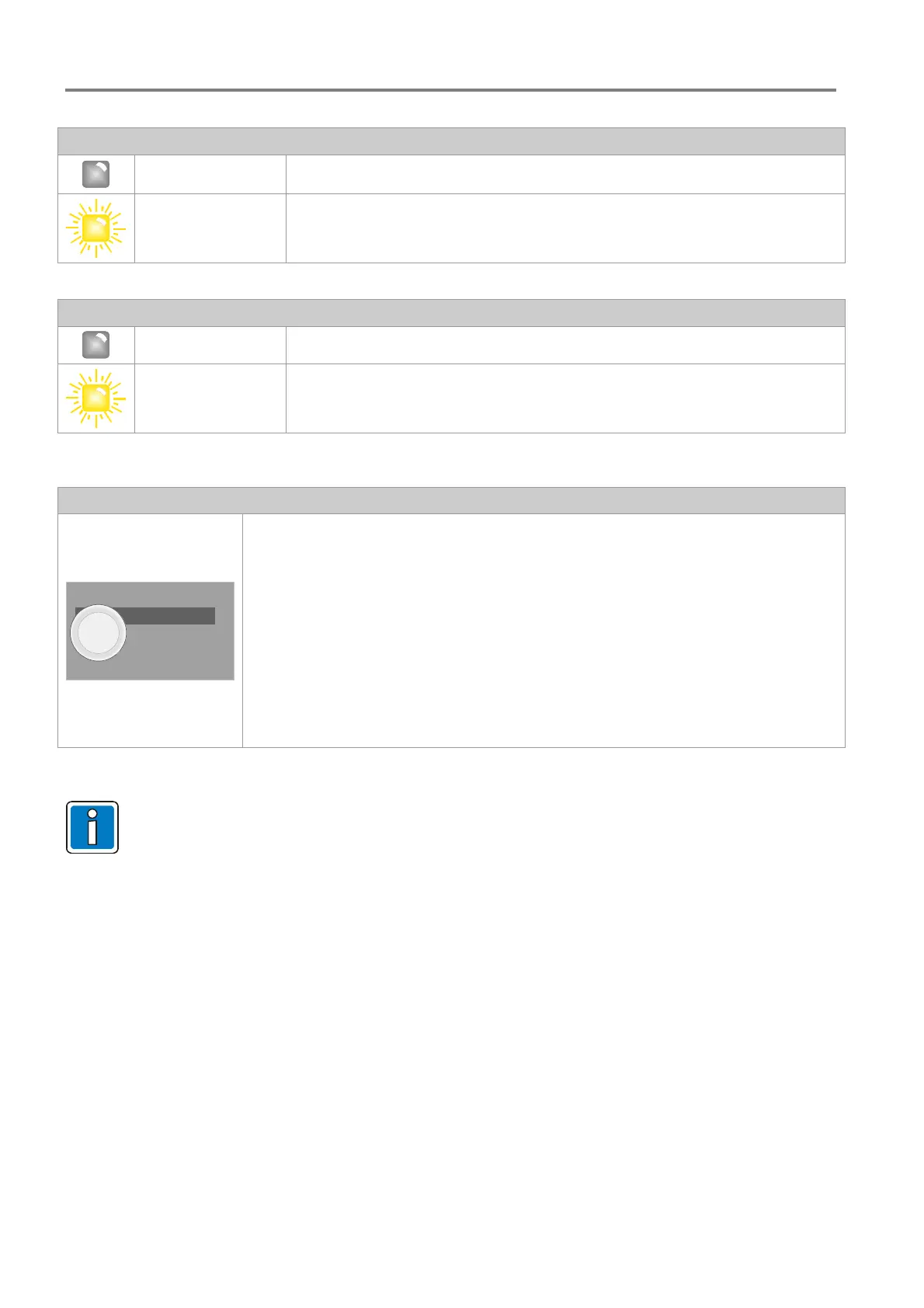
Monitor button
The buzzer can be switched off by pressing the button.
To check whether an audio signal is currently present on an amplifier or DAL
channel, the audio inputs and outputs on the control unit can be prelistened to via the
integrated speaker using the monitor button.
Pressing the button repeatedly will run through the individual listening points. The
current listening point is indicated by the green flashing LED of the corresponding
amplifier channel.
Pre listening is automatically ended after a preset time (180 seconds: factory setting)
or can be manually ended by a long press of the monitor button.
MONITOR
• Upon acknowledging of the buzzer, only the acoustic warning signal is temporarily deactivated.
• Resetting of the alarm and fault messages is only possible after correcting of the fault cause and
may only be performed by a qualified technician.


 To Next Page
 Loading...