12.
Preparation (continued)
Charging Method of Main Body (Continued)
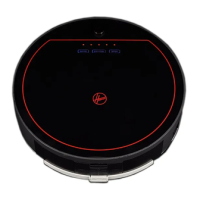
4. Press the “CHARGE” button on the remote controller or the
machine panel and the cleaner will search for the charging base
plate to charge in a valid scope.
5. When the machine is searching for the charging base plate, press
the “CHARGE” button on the machine’s panel or “CHARGE”
button on the remote controller, to stop the cleaner searching for
the charging base plate immediately.
6. During charging, the indicator blinks. When it stops blinking, it
indicates the battery is fully charged.
Automatic Charging
In the case of low battery during cleaning, the cleaner will stop cleaning and with the sound like “D”
repeats ten times, then the charging light will be on and the decorative light will flash, at the same time
the cleaner will search the dock station for charging automatically.
1. When the cleaner is charging, please ensure
the switch remains on.
2. When the cleaner finishes cleaning, the
temperature of the battery is very high, so
the charging time will be longer.



 To Next Page