18.
Troubleshooting
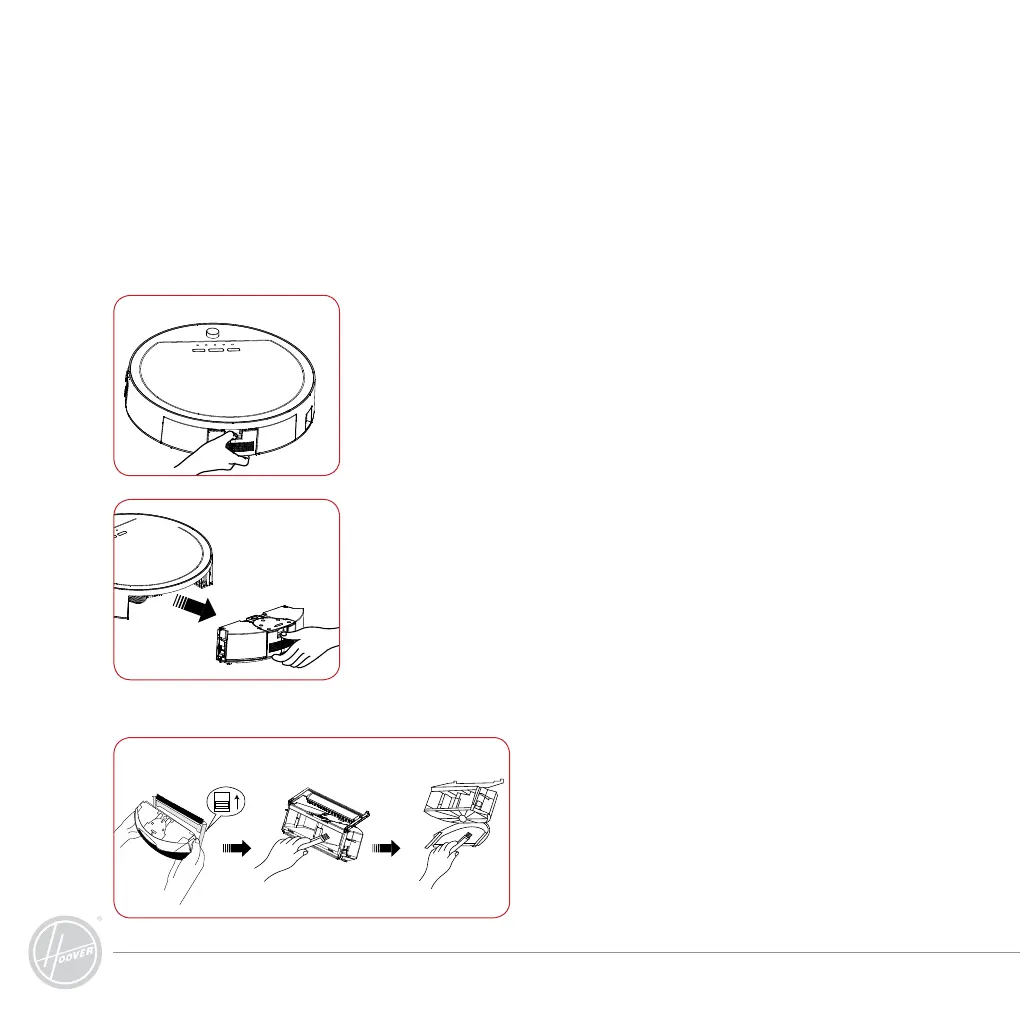
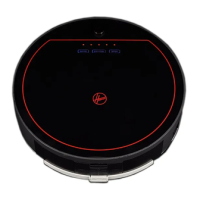
Assembly & Disassembly of Dust Box
IMPORTANT! Always ensure the cliff sensor, wall sensor and the bumper are kept
clean and free of dust using the microfibre cloth provided.
Cleaning of Dust Box
1. Move the two side clips of the dust box,
open the fencing plate and pour off dust.
2. Clean it with the cleaning brush.
1. Switch off the cleaner. Hold the machine bottom with your hand,
press the button on the dust box.
2. Extract the dust box with the backward force.
Note: Push the dust box inside to reinstall.



 To Next Page