Preparation
15.
FULL GO FUNCTION
1. Press the “SET” button, the screen shows a shinning spot,
then press the “UV” button,
you can see “
” displaying with the first F flashing, press again the “SET” to stop flashing
which indicates FULL GO function is activated, so the machine can automatically clean when has
been fully charged.
2. To cancel the FULL GO function, first press the SET button to see “
” displaying on the
screen with the first “F” flashing,then press “UV” button and after you again, the FULL GO function
is cancelled. press the SET button
Tip: When the FULL GO function is set, the pre-setting function is unavailable.
Press the UV ON/OFF button to operate the UV light.
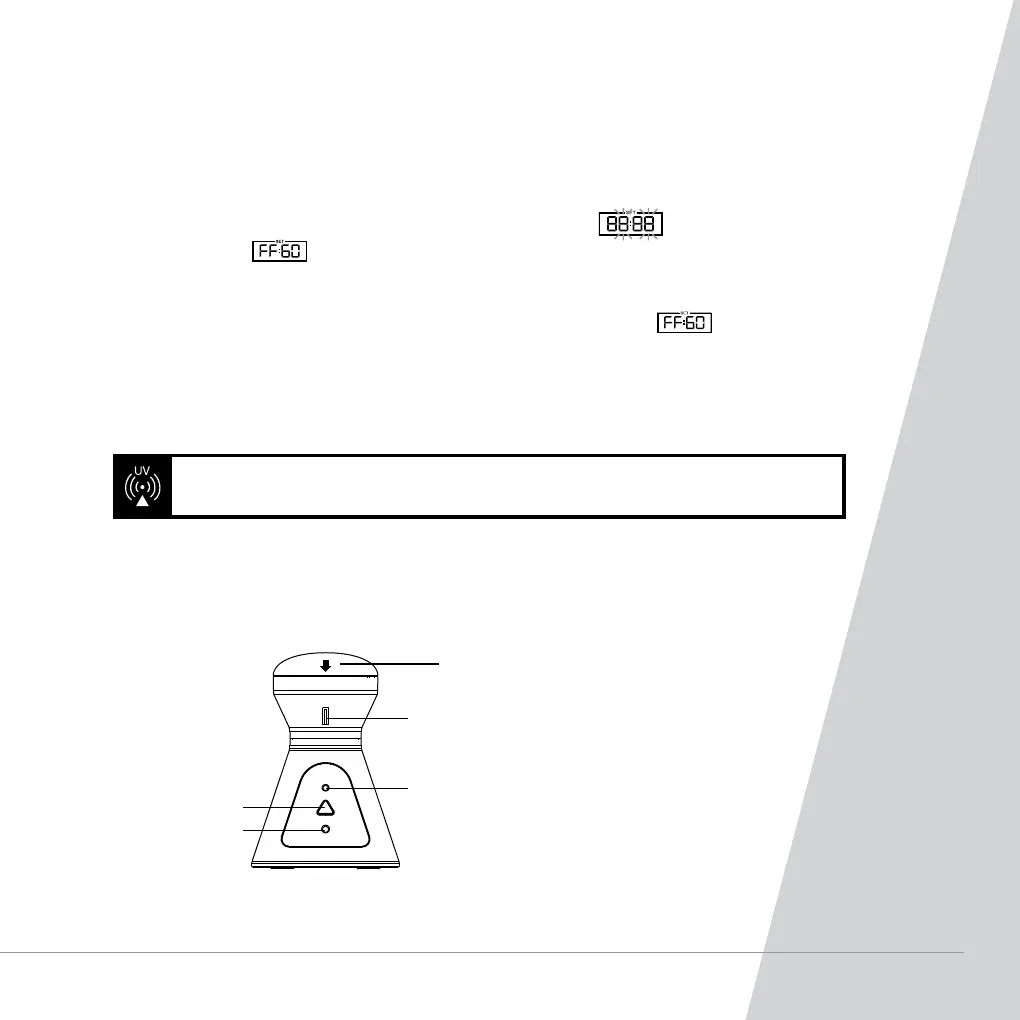
Virtual Wall
Power switch
ode check button
Signal receiver
Align the arrow towards
the direction of the
required virtual wall.
WARNING! Do not look directly at the UV light source, this appliance contains a
UV output from the UV light source.
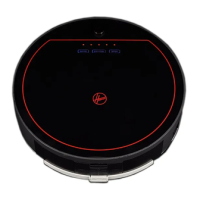
The robot can be controlled manually at any time during a cleaning program. The navigation arrow
keys in the remote control will move the robot in the desired direction with the suction activated.



 To Next Page