22.
Troubleshooting (continued)
Problems and Solutions
If you come across a problem, please use the checklist of troubleshooting tips before ringing Hoover
Customer Care.
Failure Information
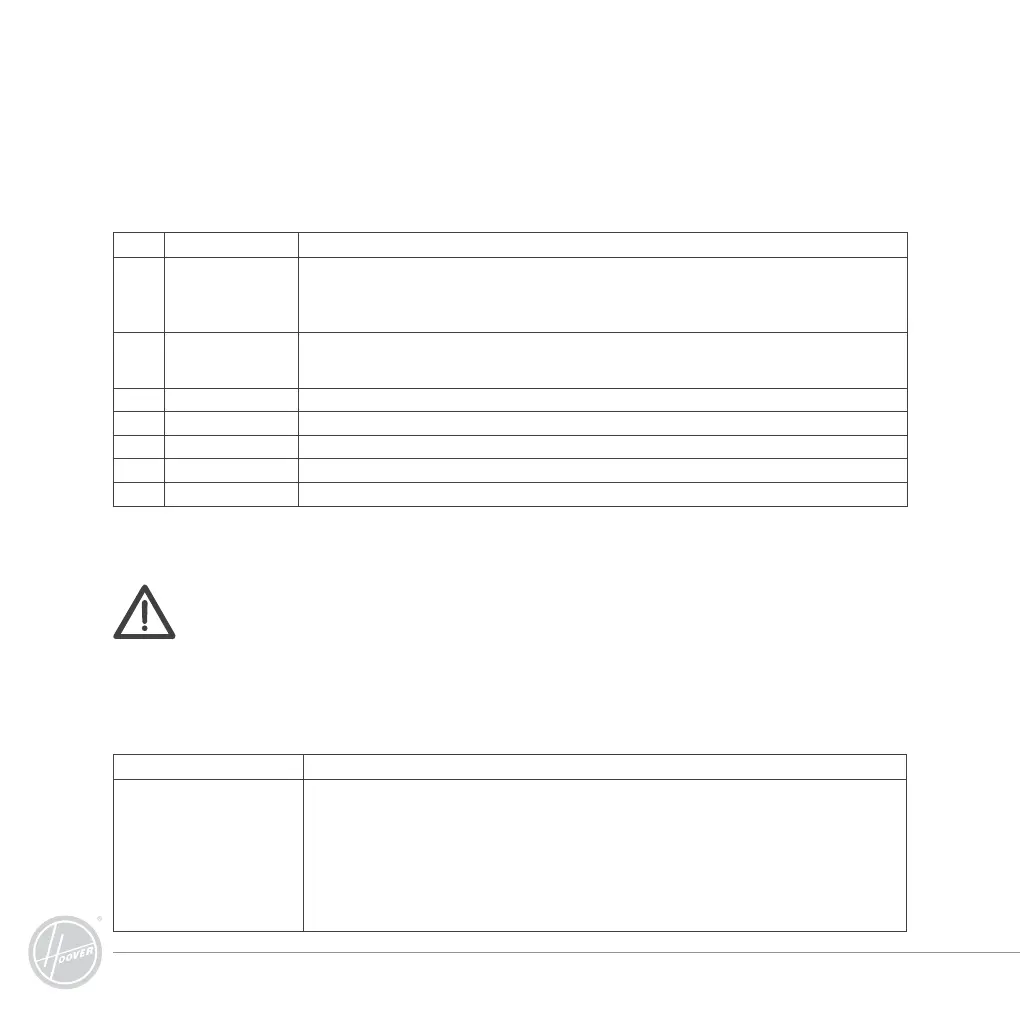
Code Causes How to Solve
E001 Ground detection
sensors
Switch off the cleaner; clean the sensors at the front bottom of the cleaner with the dust brush provided.
Note: Occasionally, the robot may bump into the step, chair leg or high doorsill.
The failure code will be activated. Remove the chair or step from the area to be cleaned and
close the door.
E002 Middle brush Rubbing is wrapped around the floor brush and main cleaning brush, also the end of the brushes.
Please follow the “Assembly & Disassembly of Main Brush and Floor Brush” and “Cleaning of Main
Brush and Floor Brush”.
E003 Power off Follow the instructions to use the adaptor to charge the cleaner.
E004 Left & right wheel Switch off the cleaner, check the left and right wheels. Clean the dust and debris from the wheel.
E005 Dustbin poor contact Follow the instructions from the “Assembly and Disassembly of the Dust Box” and “Cleaning of the Dust Box”
E006 Wheel off ground Switch off the cleaner, move the cleaner near the area, and restart the cleaner.
E007 Battery overheat Turn off the cleaner and move the cleaner to a cool place to cool down the cleaner.
If the failure still exist after the above check, please contact the after-sale service
maintenance, professional maintenance staff or the technical centre of the company,
don’t disassemble and maintain it by yourself.
Note: To reset the cleaner from the failure code condition, please press ON/OFF button on the
remote or any operation buttons on the cleaner.
Problem Solutions
The cleaner does not respond
to the remote.
1. Check the correct battery is used and fitted to the remote properly. Ensure the power of the remote
control is enough.
2. Cleaner loses connection to the remote, move closer to the cleaner.
3. Check any failure code on the cleaner; follow the instructions of failure information.
4. Ensure the cleaner was switched on and power of the cleaner is enough.
5. Recode the remote to pair with the cleaner.
- Turn off the cleaner; press and hold “OK” button on the remote control.
- Turn on the machine, and after the cleaner beeps 2 or 3 times, release “OK” button, then the code
check is finished successfully.



 To Next Page