Assign Footswitch Function
In Edit Menu, select FS FUNCTION to enter Footswitch Function Assign Menu. The screen will come up as shown below:
You can assign 2 different functions to FS TAP (tap the footswitch) and FS HOLD (hold the footswitch):
●
MUTE
●
BYPASS
●
PRESET +
●
PRESET –
The functions cannot be same.
DESI G N INSPI RATION
Software
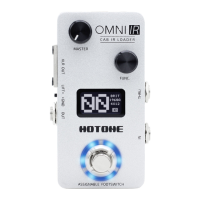
Connect Omni IR to your computer and access the free software to manage your Omni IR device, adjust tonal settings, update firmware, restore settings,
and upload third party IR files. Omni software is compatible with Windows and macOS platforms.
Log on to www.hotoneaudio.com/support to download the free software--it’s easy to install and comes with a software user manual.
Boutique UK-style 4x12 cabinet
Mesa/Boogie Standard * 4x12
4x12 cabinet with Electro-Voice EVM-12L* speakers
Mesa/Boogie Traditional * 4x12
Mesa/Boogie Rectifier* 4x12
Factory IR files list*
Fender 65 Twin Reverb* 2x12
Celestion G12H* loaded Mesa /Boogie* cabinet
* The Manufacturers and product names mentioned above are trademarks or registered trademarks of their respective owners. The trademarks were used merely to identify the sound character of the products.
·6·



 To Next Page